Obfuscation in Unity — How to Protect Games & Apps from Hackers and Reverse Engineering

For Many Unity Developers, Obfuscation is another layer of Basic Software Protection rather than a complete security solution. However, the goal of this layer is to Make Reverse Engineering significantly more Difficult, Expensive, and Time-Consuming. Learn more about Unity Obfuscation and how to protect your Games and Apps in this tutorial.
Note: This post is sponsored by Tim Uhlott, Founder of GuardingPearSoftware and Obfuscator Pro.

What is Obfuscation?
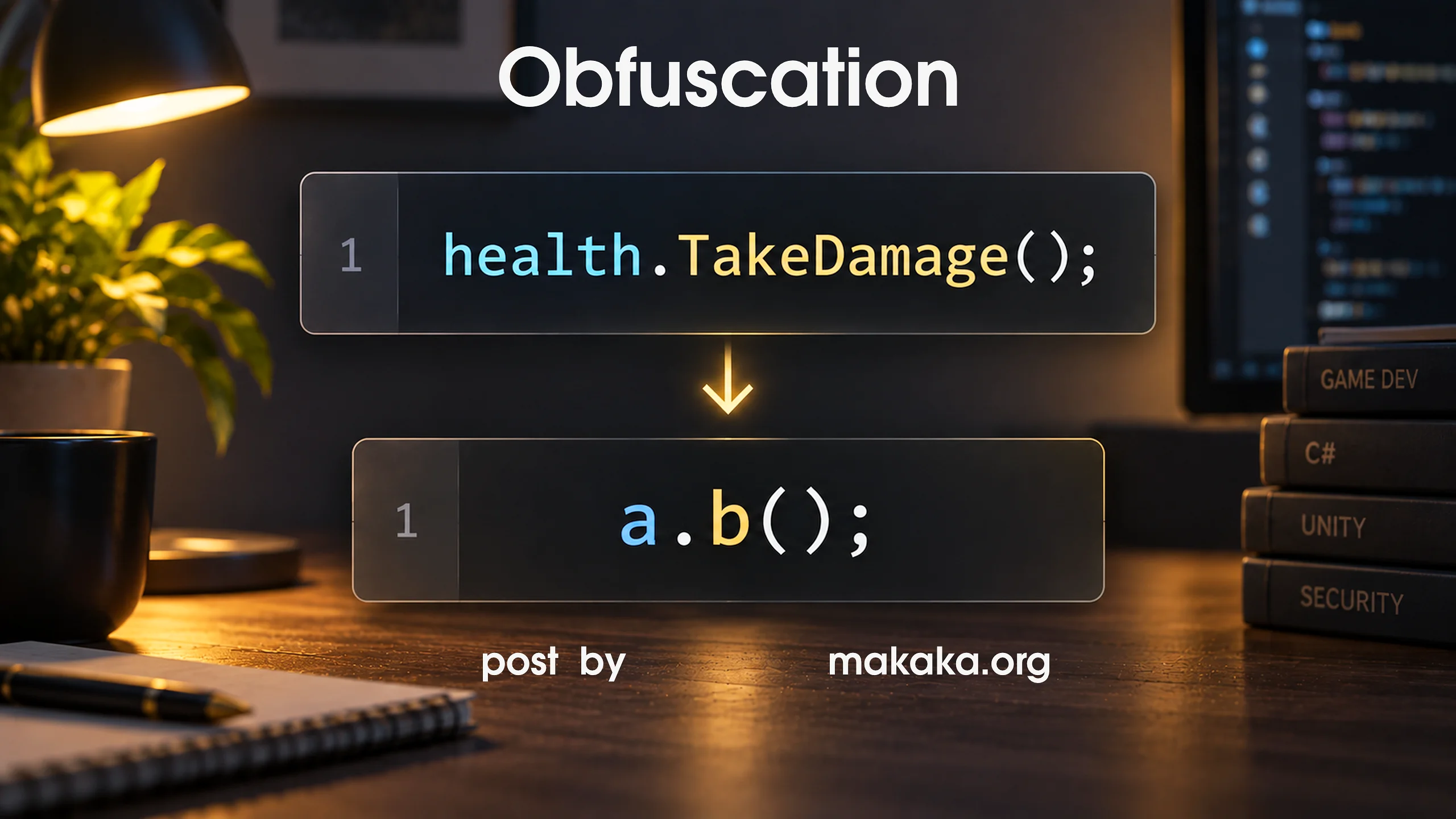
Code Obfuscation transforms Compiled Code so that it becomes Significantly Harder for Humans to Understand while preserving the application’s functionality.
// For Example, an Obfuscator Can Rename Classes,
// Methods, Fields, Other Identifiers from this:

health.TakeDamage();

// to this:

a.b();
The Underlying Logic still performs the Same Operation, but the Names and Structure provide Much Less Useful Context to Someone Analyzing the Application.
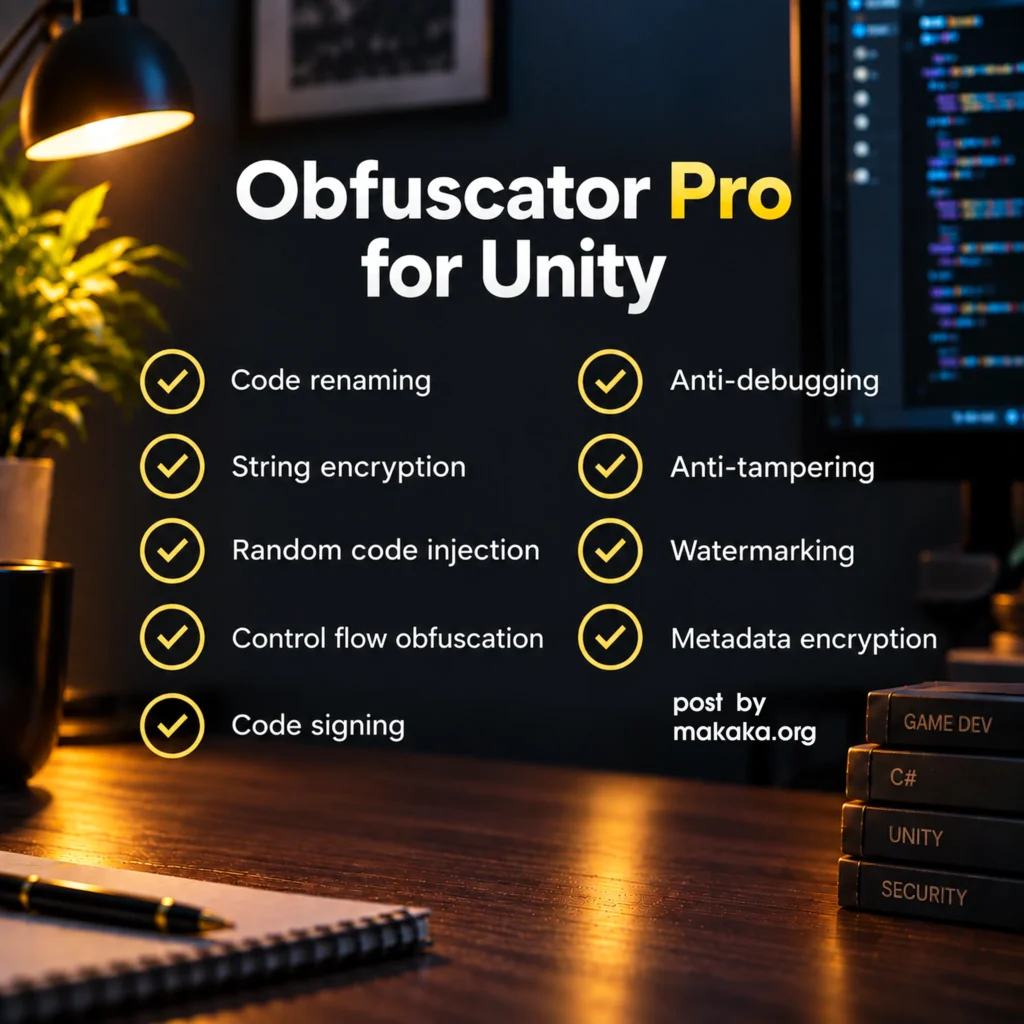
Obfuscation can also include Techniques such as:
- Identifier Renaming,
- String Encryption,
- Control-Flow Obfuscation,
- Metadata Encryption,
- Anti-Tampering Mechanisms,
- Code Signing,
- Watermarking,
- Runtime Protection,
- Virtualization.
The Exact Techniques available depend on the Obfuscation Solution and the Type of Unity Build being protected.
Why Use Obfuscation in Unity?
Your Game may contain Years of Development Work, Custom Algorithms, Gameplay Systems, Monetization Logic, or Other Intellectual Property. Without Protection, a Reverse Engineer may be able to Quickly Identify what different parts of the application do.
Obfuscation Plugins (e.g., Obfuscator Pro) Remove much of the Human-Readable Context. It is Not a Replacement for Copyright, Licensing, or Legal Protection, but it can provide a Technical Barrier against Unauthorized Analysis.
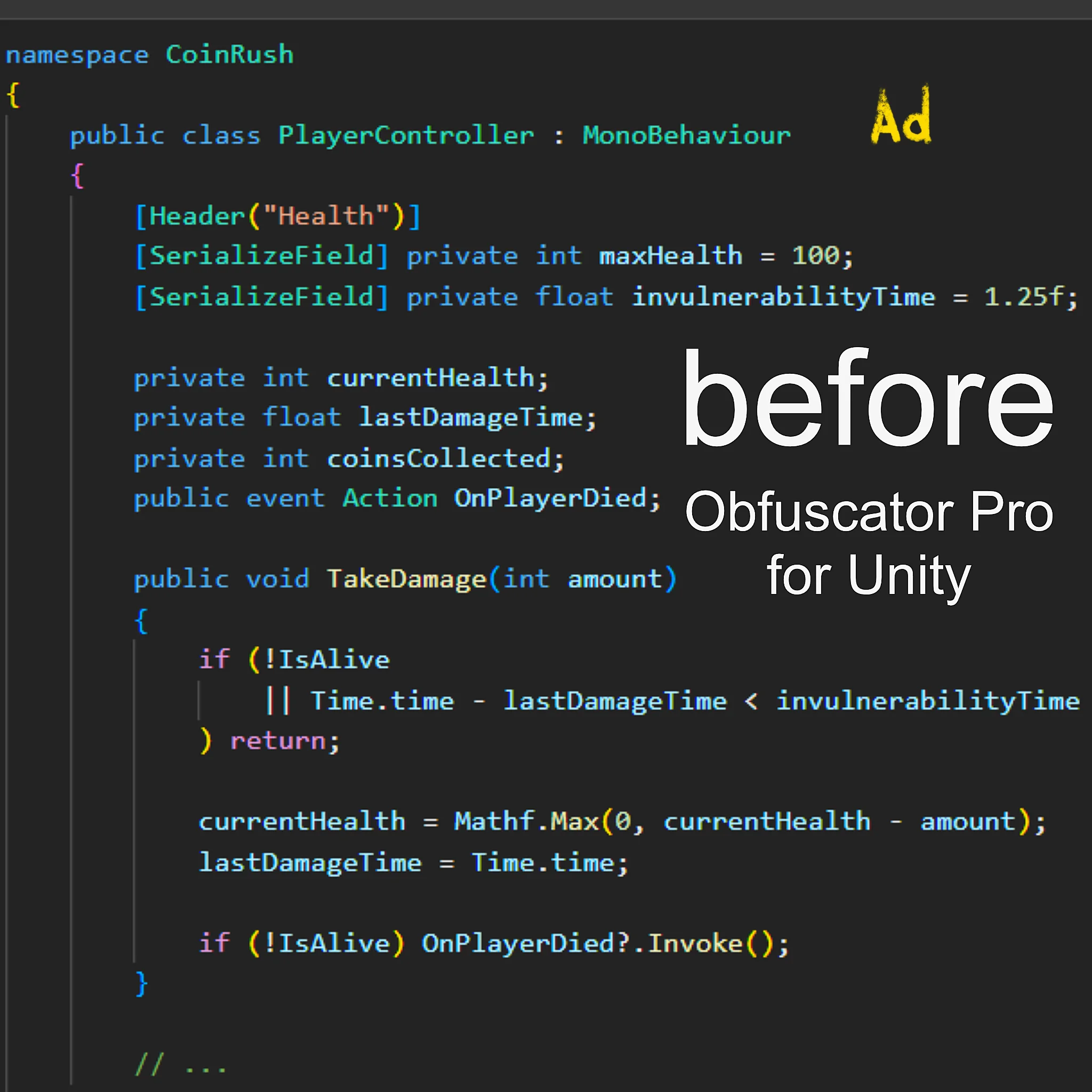
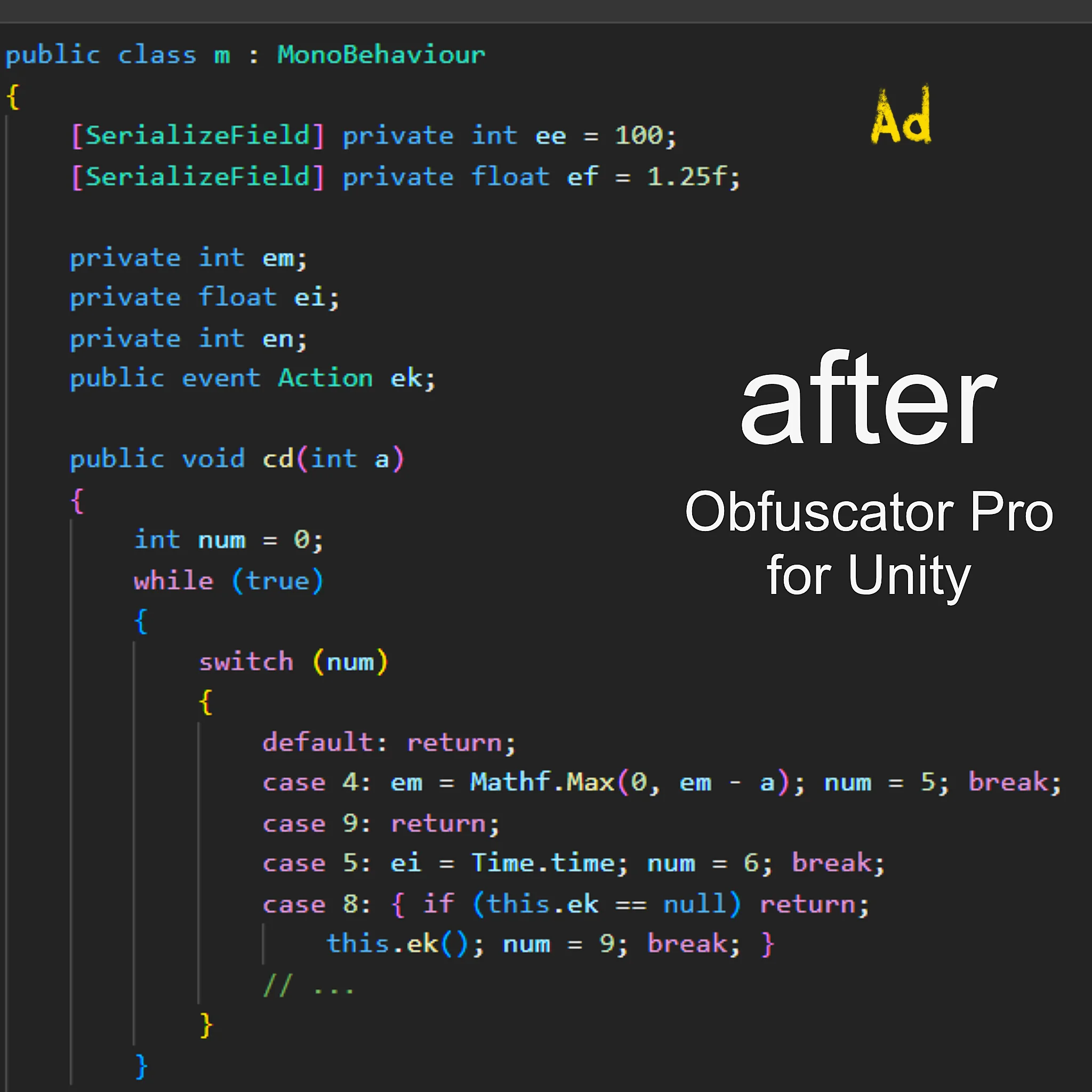
An Attacker (or Hacker) does not necessarily need to understand your entire game. They may only Need to Find a Specific Piece of Code Responsible for Critical Functionality and Exploit it to Cause Harm:
- Licensing,
- In-App Purchases,
- Authentication,
- API Access,
- Premium Features,
- Anti-Cheat Functionality,
- Game Logic,
- DRM,
- Network Communication,
- Content Protection.
Readable Class and Method Names can make this process Considerably Easier. Good obfuscation removes much of that useful context, instead of letting you immediately see something like the code below.
LicenseManager.ValidateLicense()
An Analyst may encounter Meaningless Names and Additional Transformations that make understanding the Original Code Substantially Harder. This does not make the code impossible to analyze. It increases the amount of work required.
ab.ba()
Before Enabling Aggressive Protection, consider how much protection you actually need (all of these questions are explained in this tutorial):
- What are you Protecting?
- Who is the Likely Attacker?
- How Valuable is the Protected Code?
- How much Additional Complexity can your project tolerate?
- What Performance Overhead does each technique introduce?
- Does your game Support Modding?
- Which Platforms are you targeting?
Obfuscation is About Increasing the Cost of an Attack
Protecting a Unity Game or Application from Reverse Engineering, Unauthorized Modification, Piracy, and Code Theft can be challenging. If someone has Enough Time and Motivation, no client-side protection can make software completely impossible to analyze.
It is important Not to Treat Obfuscation as a Magic Solution. A determined attacker can potentially analyze any software that runs on a device they control.
A useful way to think about Software Protection is Effort Versus Reward. A potential attacker will often weigh the effort required to break a protection mechanism against the value of the target. If analyzing or modifying a game takes Hours, Days, or Weeks instead of Minutes, some attackers may simply move on to another target.
This is particularly Relevant for Games and Applications that are Distributed to End Users, because the client-side code ultimately has to run on a user’s device. There is no perfect way to hide everything that must eventually execute on the client. Instead, developers can use Multiple Layers of Protection to Increase the Difficulty of Analyzing and Modifying the Software.
Does Obfuscation Affect Unity Performance?
One Criticism of Obfuscation is that it can introduce Runtime Overhead. This can be true for some techniques, but Not Every Obfuscation Technique has the Same Performance Impact.
For example, Identifier Renaming generally Changes Names rather than the Underlying Operations performed by the application. Renaming can even Reduce the Size of some Metadata because long identifiers are replaced with shorter ones.
String Protection can also be Implemented in Different Ways. Depending on the implementation, Strings may be decrypted when they are needed or loaded (for example, with a New Game Level), rather than repeatedly performing expensive operations every time they are accessed.
Control-Flow Obfuscation
Control-Flow Obfuscation is Different. It modifies the structure of program execution to make the logic harder to follow. Additional Branches, Jumps, or Transformations can introduce some Runtime Overhead.
Feedback from more than 4,000 Studios using Obfuscation Tools suggests that the Performance Impact of Control-Flow Obfuscation is typically around 1%.
Tim Uhlott, Creator of Obfuscator Pro
The actual impact will depend on the implementation, target platform, and the code being protected, so developers should benchmark their own builds rather than assume a universal number. For most projects, it may be possible to Combine Several Protection Techniques while Keeping Performance Overhead Small.
A Useful Comparison is Website Security. For example, external services such as Cloudflare can introduce some latency while providing protection such as DDoS mitigation and a Web Application Firewall — much like a speed limit on the road. However, Hosting-Side Real-Time Malware Protection that can run natively (rather than within your website’s PHP code) doesn’t delay your website’s Time to First Byte (TTFB).
The same principle can apply to game protection. Developers can choose which parts of their code require stronger protection whereas which parts do not. Not Every Class or Method necessarily Needs the Same Level of Obfuscation.
For example, performance-sensitive code can be treated differently from sensitive licensing or authentication logic. The Goal is to Find an Appropriate Balance Between:
Security → Performance → Development Complexity.
Obfuscation and Video Game Modding
Obfuscation is not necessarily appropriate for every game. If you actively want players or developers to modify your game, heavily protecting the code can make that process more difficult.
Modding Communities often Depend on Understanding or Interacting with the Game’s Code. Minecraft is an interesting example. Its code has historically been obfuscated, yet a Large Modding Ecosystem has developed around it.
Obfuscation makes Code Harder to Understand, but it does not automatically make modification impossible.
If your project depends on unofficial modding or you want your community to inspect and extend the code, you should carefully consider whether obfuscation is appropriate.
On the other hand, if Protecting Intellectual Property and making unauthorized Code Analysis More Difficult are important goals, obfuscation can be useful.
Is Obfuscation Useful on Console Platforms?
Console Platforms (Xbox or PlayStation) generally provide stronger Platform-Level Security than typical PC or Android environments. That does not mean obfuscation is useless. It can still help reduce the Readability of Application Code and Hide Context that could be useful during analysis.
Code Protection can still be part of a Broader Security Strategy, particularly when a game contains:
- Licensing Systems,
- API Integrations,
- Authentication Logic,
- Proprietary Algorithms,
- Sensitive Game Logic.
Obfuscation for Android and PC platforms
Android and PC Applications are generally More Accessible to users and researchers than software running inside tightly controlled ecosystems like iOS, macOS, Linux, Consoles, etc.
For developers distributing Unity Applications on these platforms, Reverse Engineering and Unauthorized Modification can therefore be a More Practical Concern. This is especially relevant to mobile games and applications distributed through channels where modified or cracked versions can be redistributed.
Obfuscation cannot prevent someone from copying an application, but it can make understanding and modifying its code More Difficult in Terms of Attack Cost.
Additional Levels of Security
Sensitive Decisions should ideally not depend exclusively on code running on an untrusted client app. In addition to obfuscation, you can consider another level of security, for example:
- Server-Side Validation (e.g., for IAPs and Subscriptions because when a game relies entirely on the client to determine whether a purchase is valid, protecting that client-side code does not provide the same level of security as validating the transaction on a server),
- Authentication,
- Secure API Design,
- Code Signing,
- Anti-Tampering,
- Integrity Checks,
- Licensing Systems,
- Watermarking,
- String, Runtime, and Metadata Protection,
- Server-Authoritative Game Logic,
- Monitoring for Unauthorized Versions.
What is Code Virtualization?
More Advanced Protection can go beyond traditional obfuscation. Code Virtualization transforms Selected Code into a Custom Instruction Set that is Executed by a Virtual Machine embedded inside the Application.
Instead of directly exposing the original program instructions, the protected code is converted into instructions understood by the Application’s Custom Virtual Machine. Work Scheme (Stages) is below:
- Original C# Code,
- Virtualization,
- Custom Instruction Set,
- Embedded Virtual Machine,
- Runtime Execution.
This can make reverse engineering considerably more complicated because the analyst is no longer dealing only with the original compiled code structure.
The Developer of Obfuscator Pro is also working on Sentinel, a tool Intended to help game devs Identify Unauthorized Copies of their games, including Cracked Versions and Reskins distributed across the web.
This addresses a different part of the problem. While obfuscation primarily focuses on making software harder to analyze and modify, monitoring focuses on Detecting Unauthorized Copies after they appear. Together, these approaches represent 2 Different Layers of Software Protection:
- Protect the Code.
- Detect Unauthorized Distribution.
This distinction is particularly Relevant for Android and PC games and apps, where unauthorized copies and modified versions can become widely distributed.
Unity Hacker
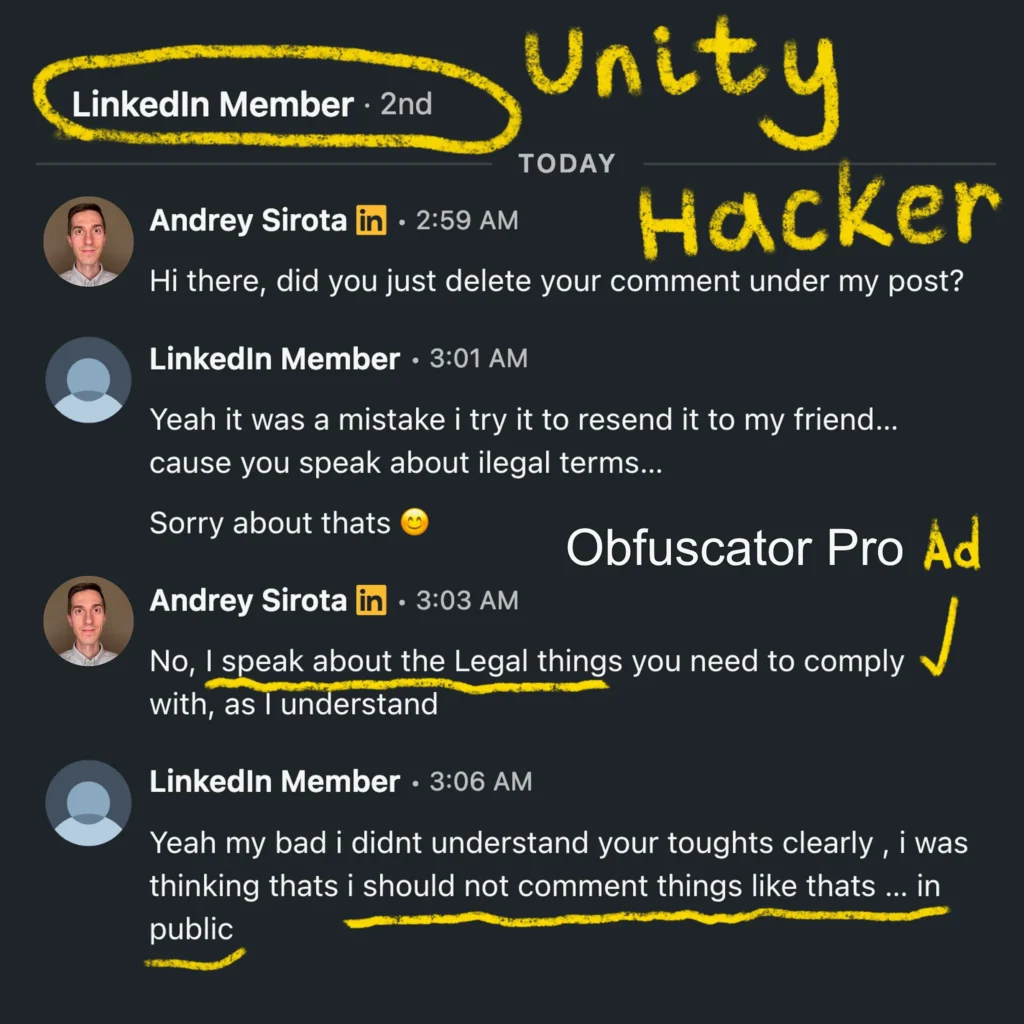
I was blocked by a Unity Developer who was bragging about creating a Tool that can Hack Apps/Games and claiming that Obfuscation is NOT a Big Barrier. I said that this could potentially be illegal.
However, Good Obfuscation can Slow Bad Guys Down for Weeks or Even Months when it comes to Reverse Engineering, considering 24/7 work.
Obfuscator Pro — Unity Asset
Obfuscator Pro is an Asset for the Unity Game Engine that is designed to Protect Unity Games and Applications against Reverse Engineering, Unauthorized Modification, and Code Theft. It combines multiple protection techniques, and some of these techniques are designed specifically to Protect Code Without introducing significant Performance Overhead.
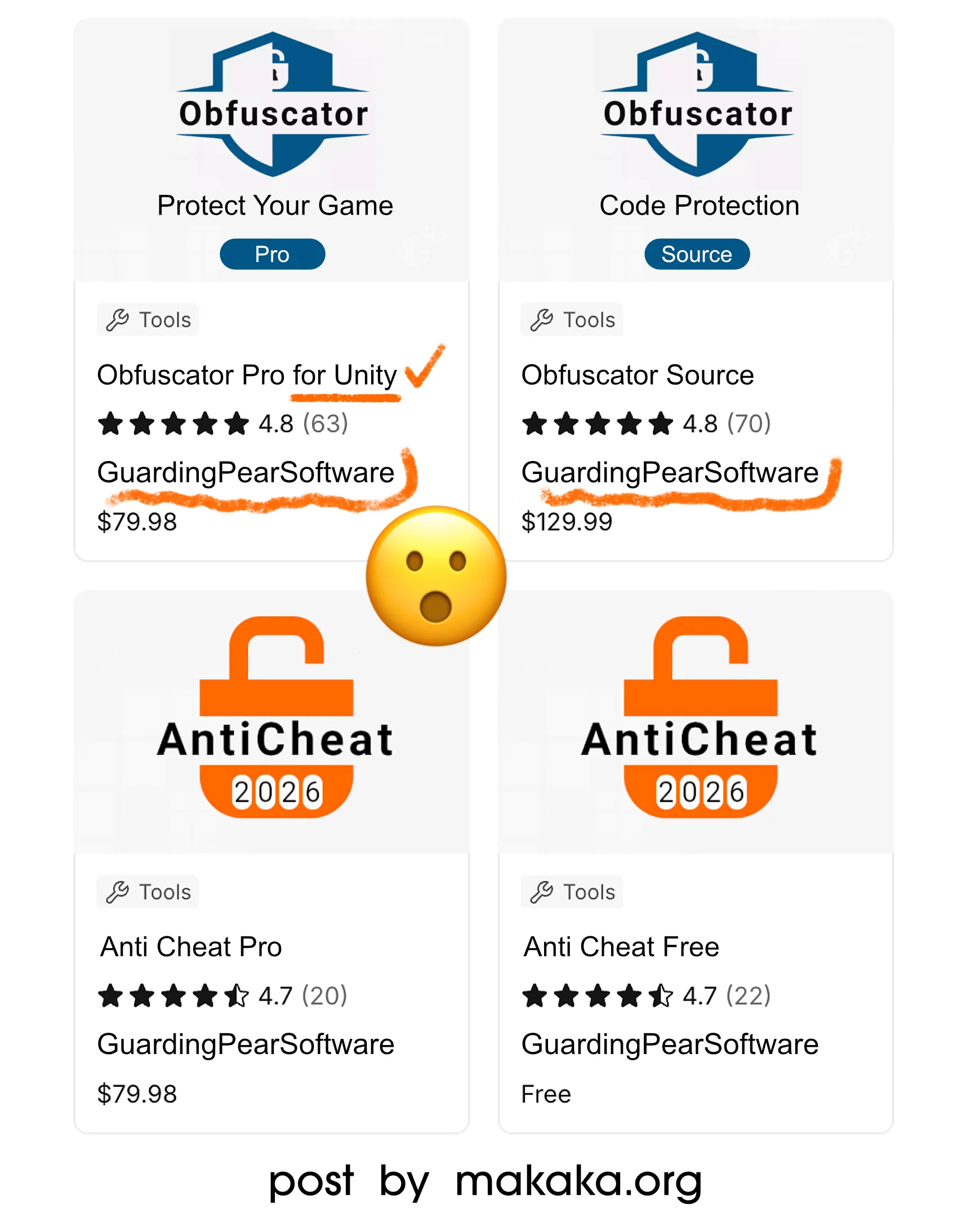
It hooks into the Unity build pipeline. So, it obfuscates the assemblies after they are built, and after the asset build, it patches those too. Unity relies heavily on reflection, so the asset references have to be aligned with the obfuscated code. It is compatible with the Default Unity Build, Custom Builds, and even Cloud Builds. It is used by both Indie Devs and Big Studios.
Anti Cheat Pro adds Another Layer of security against hackers and cheaters by preventing memory edits, speed hacks, auto-clickers, repacked APKs, jailbreaks, mod loaders, and debugger usage.