Translation Tools I Use Every Day — ChatGPT, Google Translate, Siri AI, Apple Dictionary

English is Not My Native Language, so I use several Translation Services for My Business Needs like Writing Posts and Watching Tutorials. Checking the same text with different tools helps me make sure the translation is correct, as they can sometimes provide inaccurate results. Such an approach is also helpful for learning the language itself, including discovering idioms and understanding grammar rules.
Good Ideas Have No Borders — If you share your blog in an international niche like Software Development in any language other than English, you significantly limit your audience. Use the Following Translation Tools to Reach More People.
Translation Apps and Extensions
After years of using these tools, choosing the right one has become almost automatic, and that makes my everyday life as a Developer and Content Creator much easier.
ChatGPT
AI is obviously the Best Tool for Me. I prefer ChatGPT by OpenAI because it provides not only translation but also a word-by-word breakdown, explanations of tenses and other grammar, word and idiom origins — all in one window. Incredibly convenient.
But AI has its limitations, especially the free version, which can become unavailable during peak hours. I used to have a paid version, but I didn’t notice enough advantages to justify it. So I periodically use other tools as well.
Skills and GPTs
To implement translation at scale, you can use:
- AI Skills — reusable, shareable workflows that tell ChatGPT how to perform a specific task, allowing it to handle that task more consistently. A Skill can include instructions, examples, and formats. Once a Skill is created and installed, ChatGPT can automatically use one or more Skills when they are helpful. You can ask Chat to create a Skill, install it immediately, and then use it via the @ symbol.
However, this may not be suitable for less common cases, such as translating Arabic, which has 12+ distinct dialects and 20+ cultures. You can still encounter edge cases that require a deeper understanding of the language and cultural context. That’s why Human Translators definitely still matter. - GPTs — customized versions of ChatGPT built for a particular purpose (studying, writing, planning, analyzing documents, etc.). There is an official Translation GPT.
Siri AI
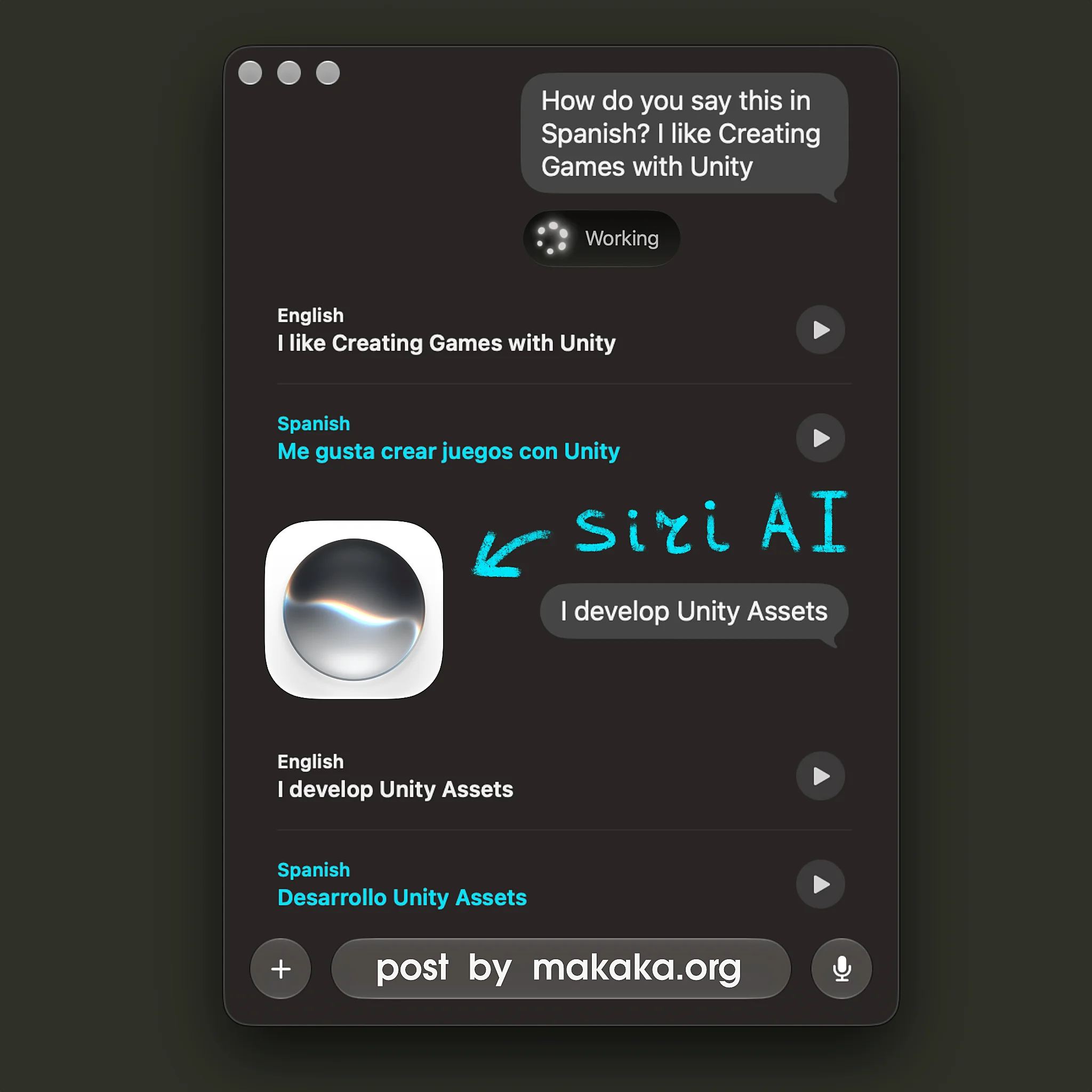
With the 27th versions of Apple’s Operating Systems — iOS, iPadOS, macOS, watchOS, and visionOS — the new Siri AI App was introduced.
You can ask Siri something like, “How do you say this in Spanish?” and Translation Mode will be activated. With each new message in the chat, you get the translation along with audio playback of the pronunciation.
Google Translate
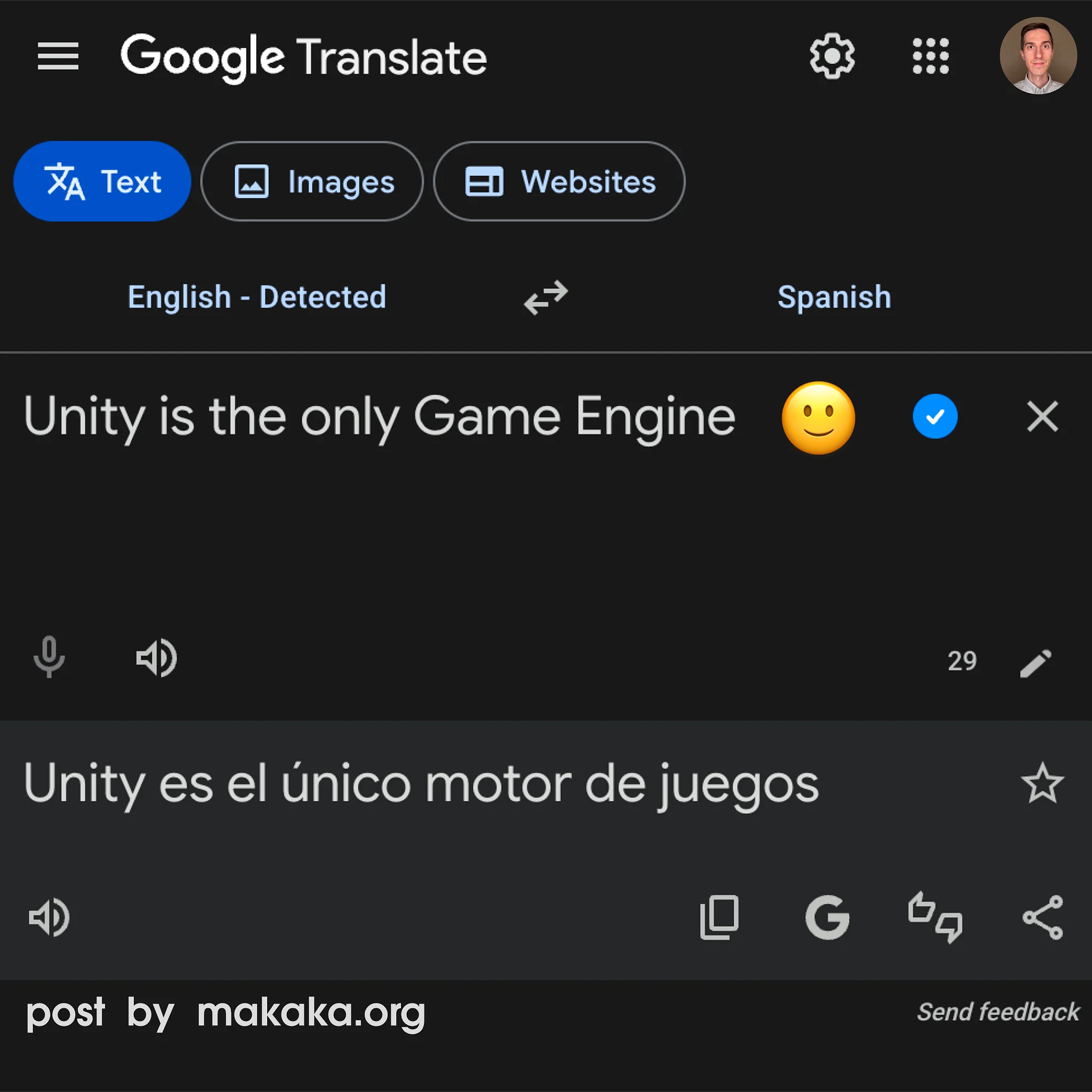
Google Translate saves me when ChatGPT doesn’t work. And Dark Mode has finally arrived in the web version in 2026! But what I use most is the official Chrome extension, which lets me translate text simply by selecting it in the browser.
Apple Dictionary
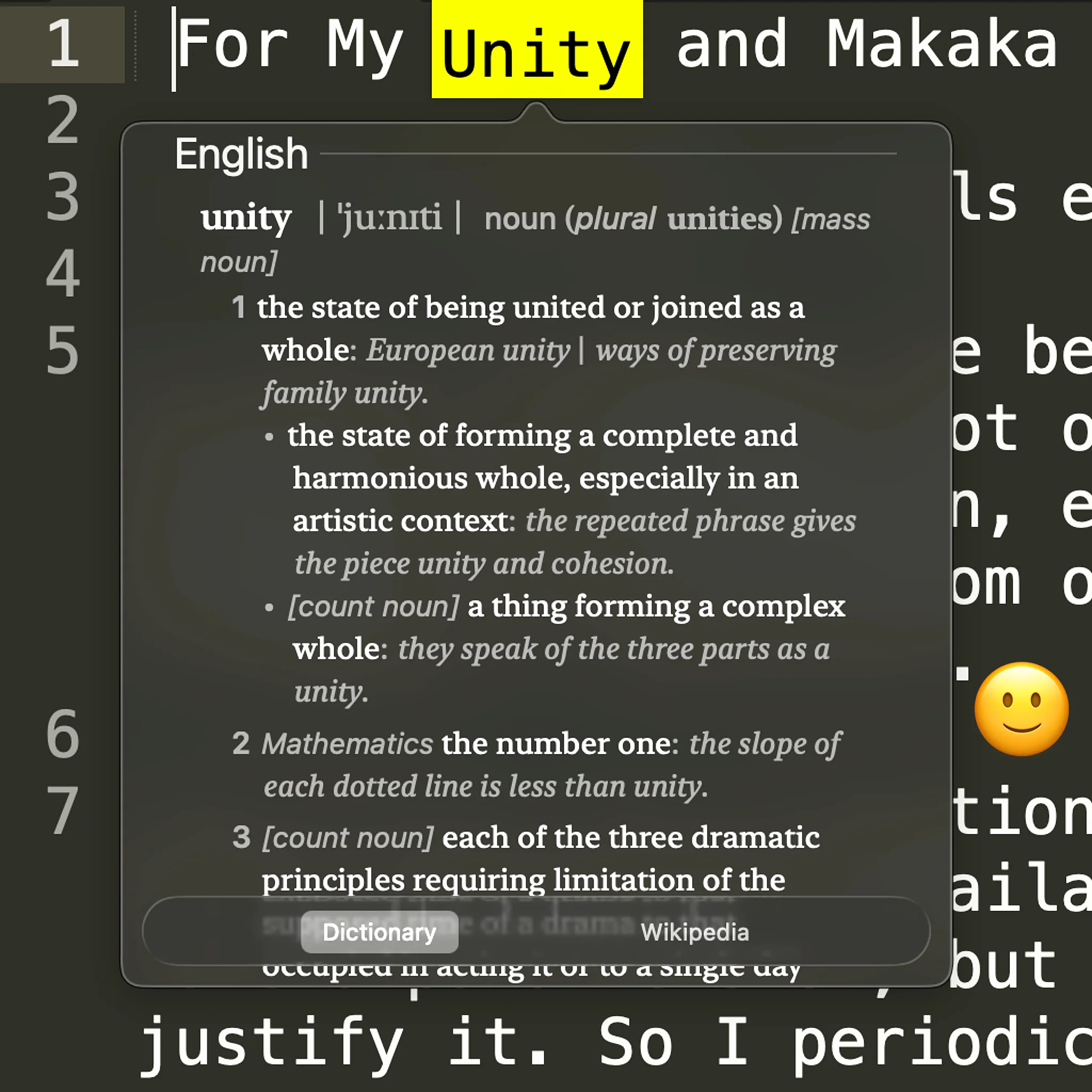
I use the “Look Up” feature on macOS that is provided by Apple Dictionary. This feature can also be activated with a “Tap with Three Fingers” gesture. It’s incredibly helpful for looking up individual words.
And it works not only in the browser but across the entire operating system wherever you can select text. With Apple Dictionary, you can add 3rd-Party Dictionaries locally and conveniently access Word Translations or Explanations without internet and interrupting your workflow.
LanguageTool
LanguageTool (Chrome Extension) helps me fix typos directly in my browser while I’m writing.
Game Localization in Unity
To Implement Game Localization in Unity you can use UniText, I’ve seen it in action. It’s a Complete Text Engine that supports Any Language in the World. UniText was tested with iOS, Android, Windows, macOS, Linux, and Web platforms.
Comments
Let’s Discuss This Post in the Comments on LinkedIn or YouTube.