New Unity Hierarchy — Icons, Tags, and UI Toolkit
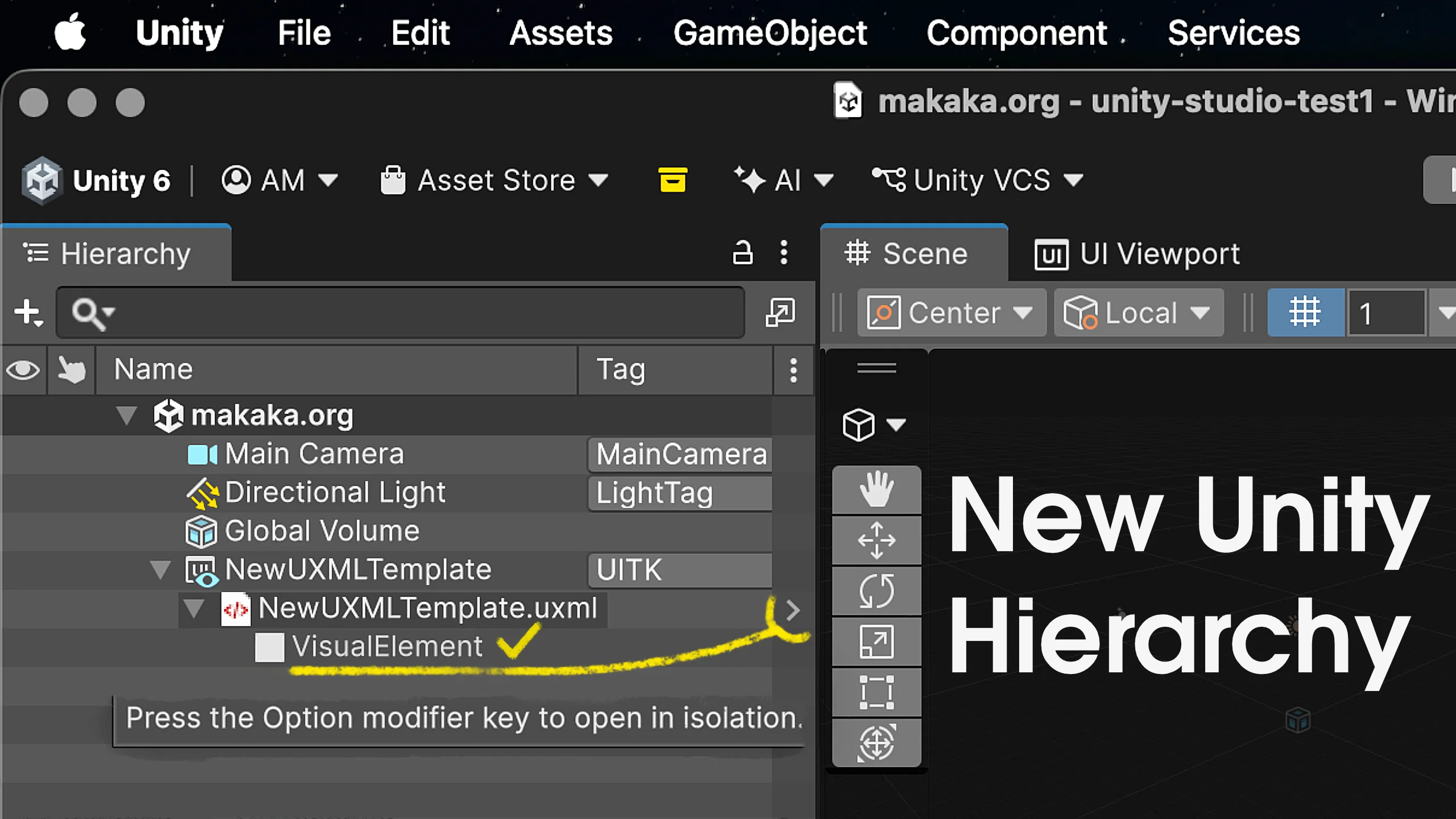

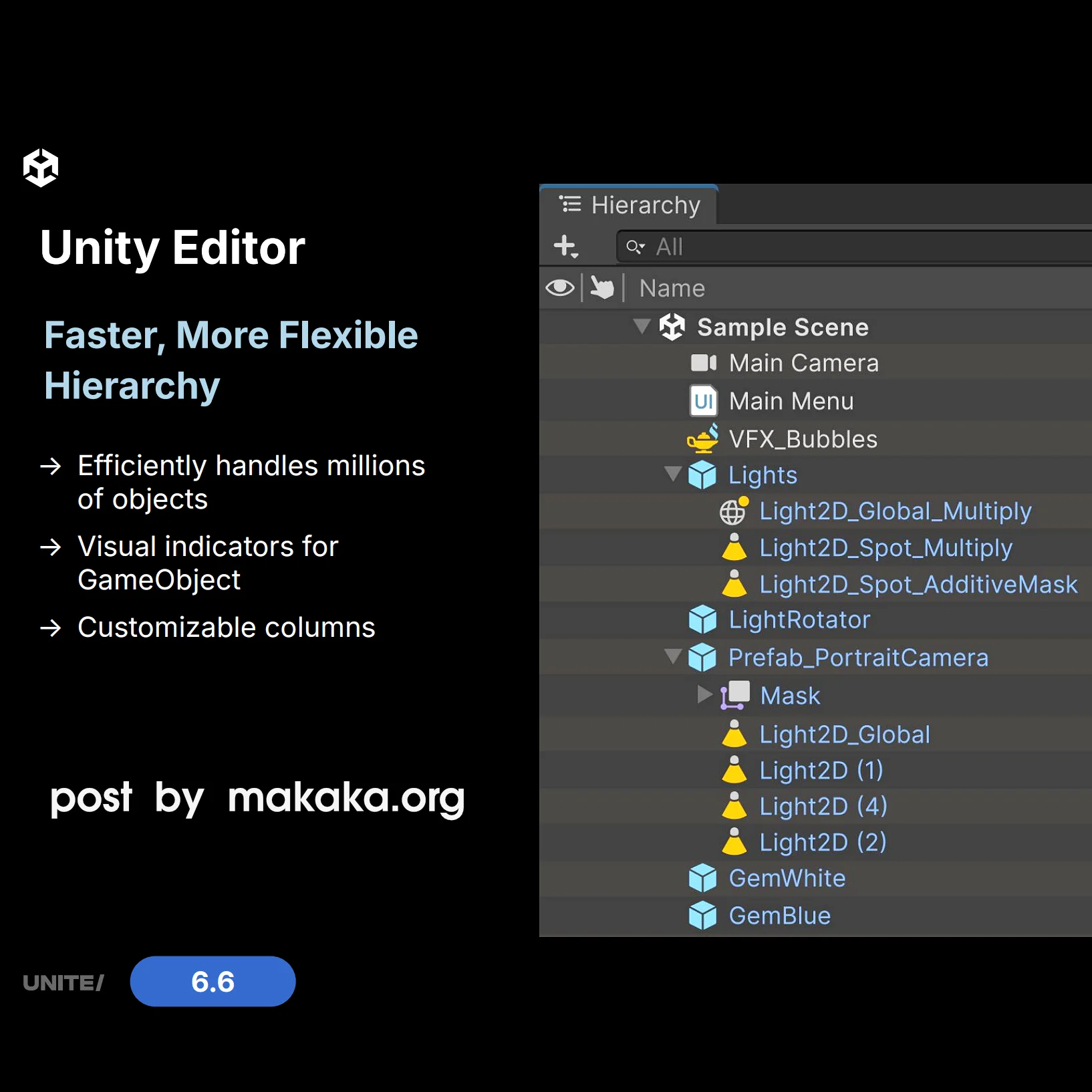
New Unity Hierarchy v2 has been available by default as a stable feature since Unity 6.6. It’s faster and more flexible:
- Horizontal Scrolling,
- Handles Millions of Entities (ECS for All strategy),
- UI Toolkit Support,
- Provides Visual Indicators for GameObjects,
- Extensive Customization Features and Editor APIs. By default, it allows Customizing Columns with Tags and Layers, Active and Static states.
How to Enable the New Unity Hierarchy in Unity 6.3+
You could enable it in the Editor as early as the Unity 6.3 LTS Alpha 2 and at any time since then via: Preferences > General > New Hierarchy > Use New Hierarchy Window.
UI Toolkit and uGUI in the Same Hierarchy Window
As a logical continuation of this new foundation, Unity 6.7 LTS introduces One Consistent Workflow across Visual Elements (UI Toolkit) and Game Objects, allowing you to Create and Animate UI directly in the Scene View.
I tested it. To edit UITK content in the New Unity Hierarchy, you’ll have to dive into a lower/internal level in the Hierarchy window, just like with Prefabs. So, there are 2 options:
- Open In Context (Style Sheets are on a Separate Tab).
- Open In UI Builder.
The UI Builder Inspector has also been integrated into the Unity Editor’s Inspector window, making the two work together more seamlessly. However, 76% of Developers still prefer uGUI, according to my recent poll.
Custom Icons for Objects in Hierarchy
The New Hierarchy also includes icons displayed on a per-object basis (the “main” component is crucial). You can now add custom icons by clicking “Other…” in the top left corner of the Inspector and selecting a Texture 2D asset.
2026 has been HUGE for Unity Updates. So much was announced at the Unite conference in July, and new features just keep coming!