AR Camera Lite — Unity Asset — Gyroscope and Accelerometer — Pseudo Augmented Reality


AR Camera Lite — Unity Asset that uses Back/Rear Camera & Motion Sensor (Gyroscope or Accelerometer) on the player’s mobile device to display 2D or 3D objects as though they were in the real world. Safety First.
It’s Fast, Markerless, Pseudo Augmented Reality.

Note: The asset has a free external dependency.
Read the “Getting Started” Tutorial to Import it correctly.
Check out the Support section if you need help.


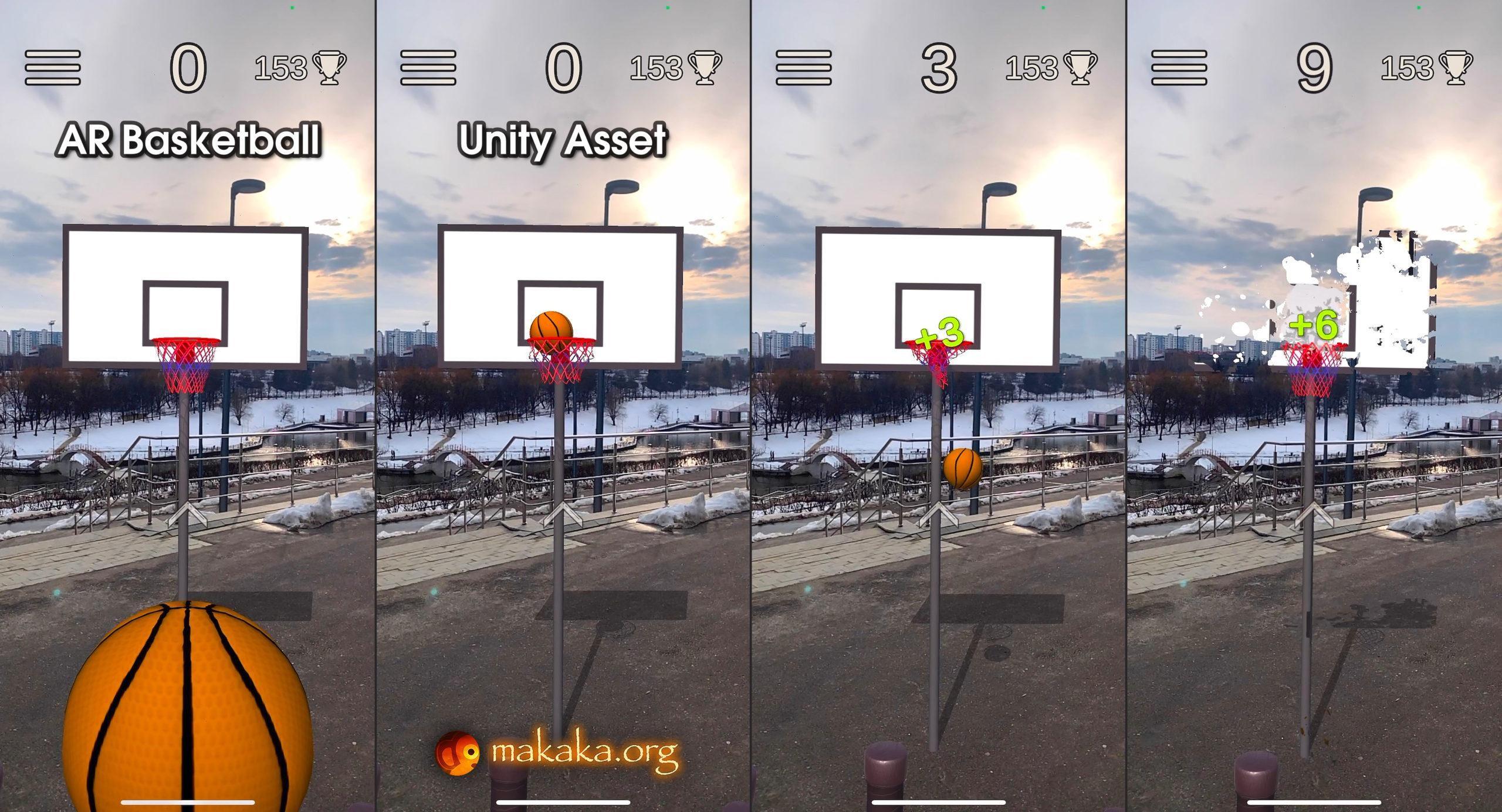
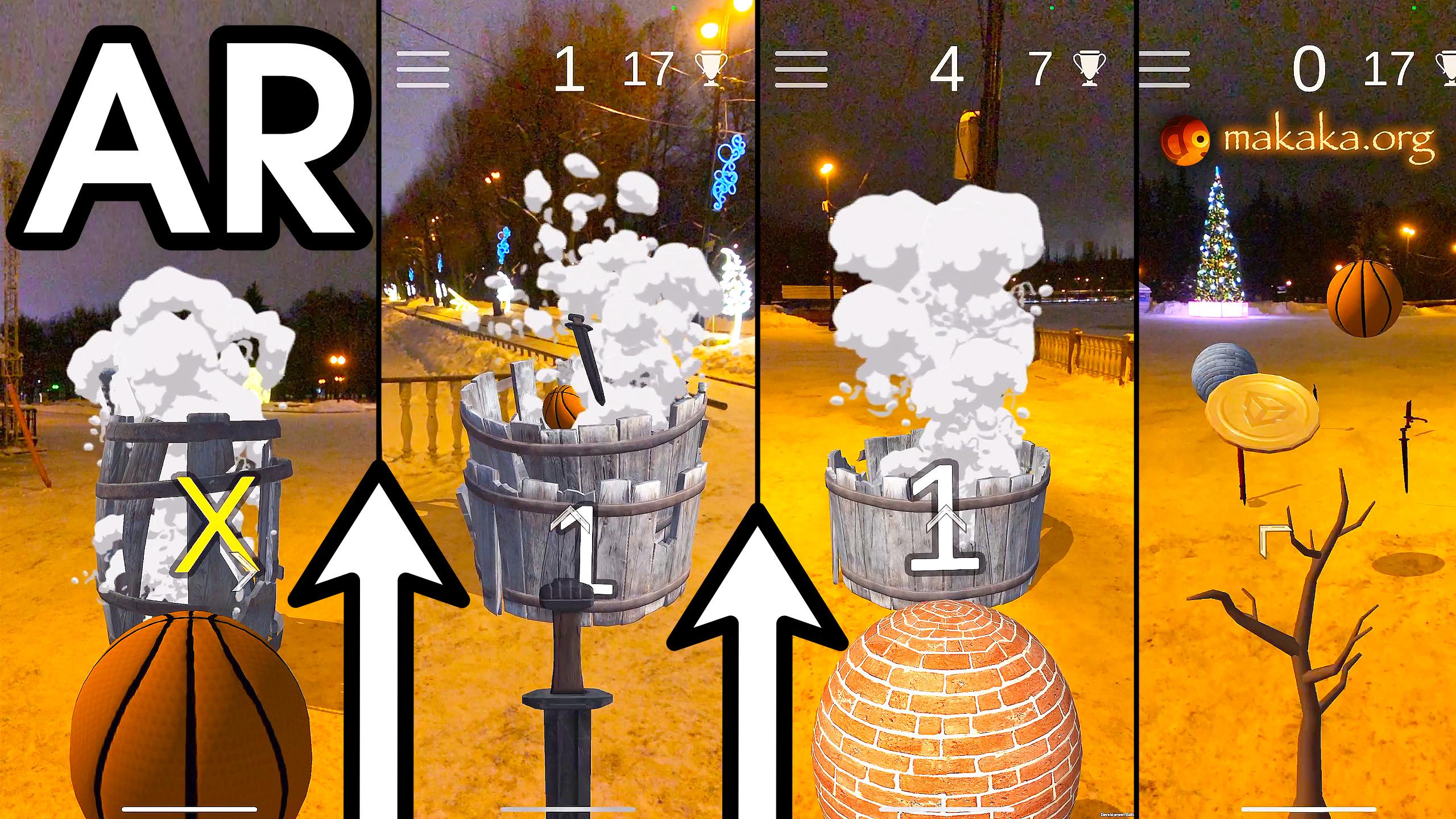
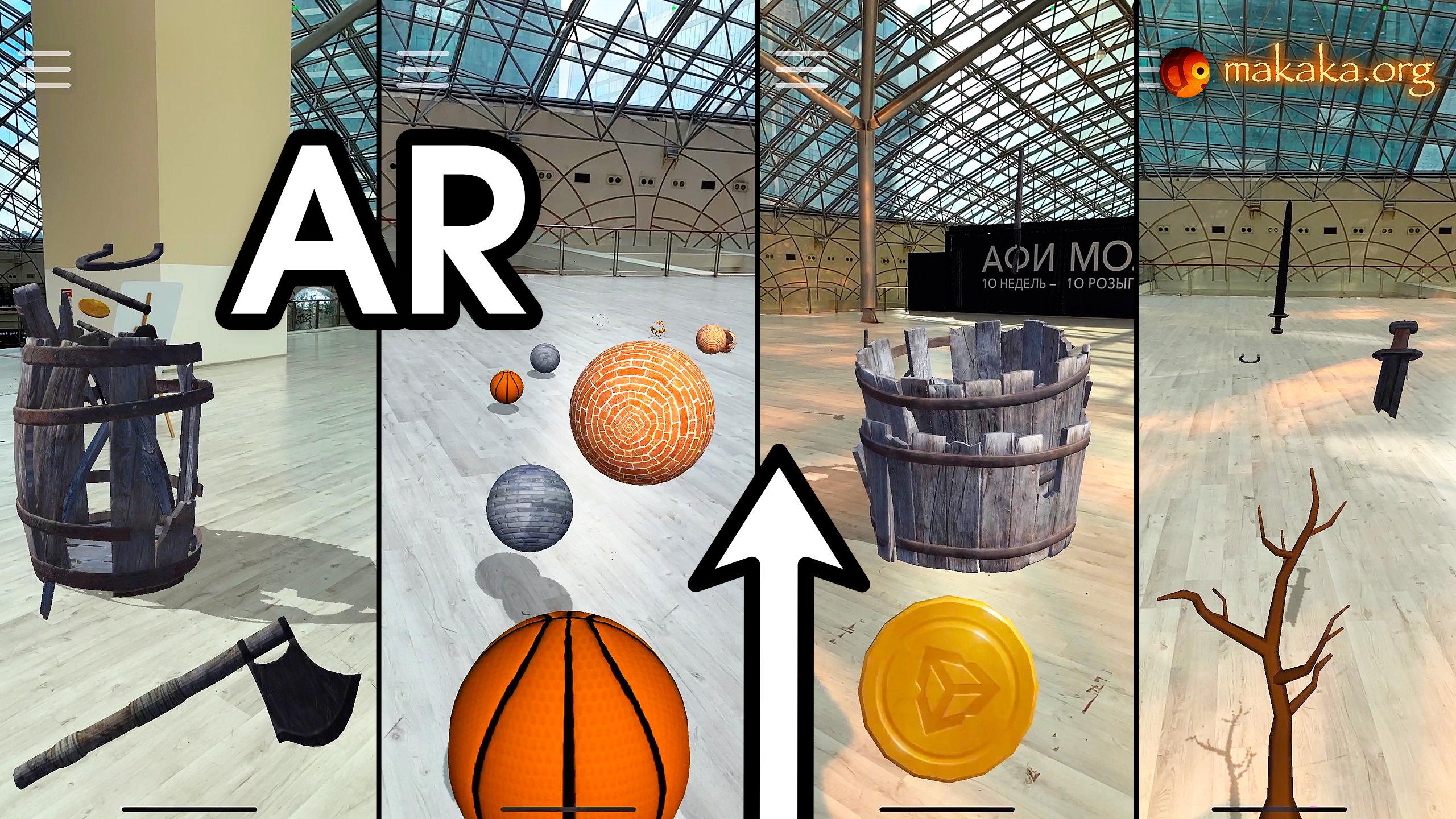
Features of AR Camera Lite
Bring the enchanting Power of Augmented Reality into your amazing Game or App:
- Cross-platform Mobile AR Camera: iOS, Android.
- Covering a Wide Range of Mobile Devices: such pseudo AR can work on low-budget smartphones.
- No using of other AR Engines like AR Foundation (ARCore, ARKit), Vuforia, etc.
- Device Orientations: Portrait, Landscape.
- Auto Selection of User Input Device using Sensor Camera: Gyroscope or Accelerometer.
- Gyroscope Mode: same AR like in the Pokemon GO game (AR mode, not AR+): 3DoF — it can track rotational motion but not translational.
- Accelerometer Mode (horizontal rotation is limited): tilting the phone to the left or right rotates the camera around the Y-axis.
- Instant Launch after granting the camera permission: no need to scan the environment because there is no surface/plane detection.
- Editor Testing.
- Real-Time AR Shadows.
Package Contains
- Demo Scene with Cubes.
- Menu Scene with AR Safety Tutorial.
- Menu Scene with Mode Selection: Gyro, Accelerometer, No Sensors, Default.
- Permission Scene with Camera Permission Request using free Native Camera.
- Loading Screen to switch scenes seamlessly.
- Camera Feed on Background (docs).
- Sensor Camera (docs).
Check the Map of Unity Assets to choose the product that best suits your needs.
Limitations
Learn Limitations separately for Each Asset included in the package.
Use Cases of AR Camera Lite
The previous version of AR FPS Shooter (docs) used Pseudo AR mechanics that you can watch below.
Tutorial
This tutorial is relevant for AR Camera Lite 6.0.
Tutorial for the previous version can be found only in the asset folder.
Getting Started with AR Camera Lite
Folders & Files in the package by default:
- Makaka Games.
Steps
If you have any issues with the first launch then just Reach Support and Get Help.
- Create a New Unity Project with Unity 6000.3.9 & the “Universal 3D” Template.
- File > Build Profiles > Platforms > Android, iOS > Switch Platform.
- Next Packages must be manually installed with Git & Unity Package Manager. I recommend using indicated versions to get a guaranteed experience:
- Native Camera 1.5.0.
Hash value for installing: 72f5ebba26c219b4c4cda202bff2f59bfdaa47f8
- Native Camera 1.5.0.
- Download and Import AR Camera Lite into Unity.
- Window > TextMeshPro > Import TMP Essential Resources.
- Reopen Unity Project.
- Open Scene: Makaka Games > ARCameraLite > Scenes > Demo.
- File > Build Profiles > Scene List > Add Scenes:
- Menu_ARCameraLite_Safety,
- LoadScreen (from Makaka Games > Publisher > SceneControl > Scenes),
- Permission_Camera (from Makaka Games > Publisher > Permissions > Camera > Scenes),
- Menu_ARCameraLite_SelectMode,
- Demo_ARCameraLite.
- Option: Limit the Screen Orientation from Auto (by default) to Portrait only or Landscape only by indication of appropriate Scene Loading Methods on the corresponding buttons that cause transitions to other scenes. Orientation in the Player Settings is used for the 1st scene in the build.
- File > Build Profiles > Player Settings > iOS > Other Settings > Configuration > Camera Usage Description > Fill it (any notice for your app).
- Test in the Unity Editor or Build.
Useful Article: How to Test iOS App without Developer Account?
Testing and Building
ARCameraLite is a Prefab Variant of SensorCamera prefab, so learn its Testing Section.
You can test Camera Feed quickly in the Unity Editor without a Smartphone through physical Web Camera.
Tested with Platforms
Mobile Platforms:
- iOS on iPhone 15;
- Android on Samsung Galaxy A71.
If you need WebGL support, please use a 3rd-party asset called Device Camera WebGL.
Support
First, read the latest docs online.
If it didn’t help, get the support:
Changelog
Check the current version of AR Camera Lite on the Asset Store.
The latest versions will be added as soon as possible.
6.0 (Unity 6.3):
Features:
- New Menu Scene with Mode Selection: Gyro, Accelerometer, No Sensors, Default.
Improvements:
- Unity 6000.3.9. The asset is downloaded into your project as a Tool/Plugin now (not as a Complete Project), which is more flexible. Read the “Getting Started” Tutorial to Import correctly.
- URP (Universal Render Pipeline) to improve performance (instead of the Built-in Render Pipeline).
- Input System (New Standard in Unity) for All Project-related Scripts: instead of Input Manager.
- Native Camera 1.5.0. The project now checks the Package Installation, which helps avoid errors when importing AR Camera Lite.
- Camera Feed on Background 3.0 (docs).
- Sensor Camera 3.2 (docs).
- Namespaces for All Scripts.
5.0:
Improvements:
- Unity 2022.3.18;
- Native Camera 1.4.2;
- Camera Feed on Background 2.0 (docs).
- Sensor Camera 2.1 (docs).
4.3:
Improvements:
- Unity 2021.3.4;
- Native Camera 1.3.3;
- Tutorial on Permission Scene is updated to changes of Android 12 (Samsung).
4.2:
Features:
- Menu Scene with AR Safety Tutorial.
- Event: On Initialized Not In Editor.
Improvements:
- Preventing Camera Rotation in Update() until the Gyro Is Not Initialized.
- Modern Standards of Project Settings (based on New Unity Project).
- Appearing the Demo Scene from the darkness at Start.
- Unity 2021.1.20.
- Native Camera 1.3.0.
4.1:
- Testing Checkboxes:
- Is Gyro Unsupported Not In Editor Test,
- Is Gyro Supported In Editor Test,
- Is Movement WASDQE In Editor Test.
- Testing Vector3: Movement WASDQE Speed.
- Events:
- On Gyro Initialized,
- On Initialized In Editor.
- Native Camera 1.2.9.
4.0:
- Limited Motion with Accelerometer (will be used if the user device has not Gyroscope).
- Editor Testing with Right Mouse Button.
- Using of Native Camera to check Camera Permission before the main scene.
- Unity 2021.1.0.
3.3:
- New Way of Testing in Unity Editor (On Gyro is not supported) with custom positions and rotations of camera. The phone does not need to be connected to the computer.
- Tutorial Texts → TextMesh Pro.
- Unity 2019.3.0.
3.2:
- Optional Flag: “Is Gyro Disabled On Destroy”.
- Optional Unity Event “On Gyro Is Not Supported”.
3.1:
- Unity 2019.1.
3.0:
- Unity 2018.3;
- Fix low FPS in Unity Editor;
- 2 modes with Auto Rotation: Portrait, Landscape.
2.0:
- ARCameraGYRO prefab (with all stuff inside);
- AR Shadows.
- Unity 2017.3.1;
- AR Background → as independent module;
- GyroCameraControl.cs not related with GameWorld GameObject.