Unity Support — Free and Paid (Success Plans)

Unity Support includes both Free and Paid services. Some Issues can be solved with the help of the Unity Community for free, while others require assistance directly from Unity Staff.
In this tutorial, you’ll learn about the available support options and how a paid Unity Plan can help you resolve issues faster.
Free Unity Support
- Using the Unity Help Center, you can submit a support ticket describing your problem, but it may take months to receive a response. The recommended approach is to use the Help Center rather than Email, as it allows you to attach large files and provide detailed information through structured ticket fields in the form.
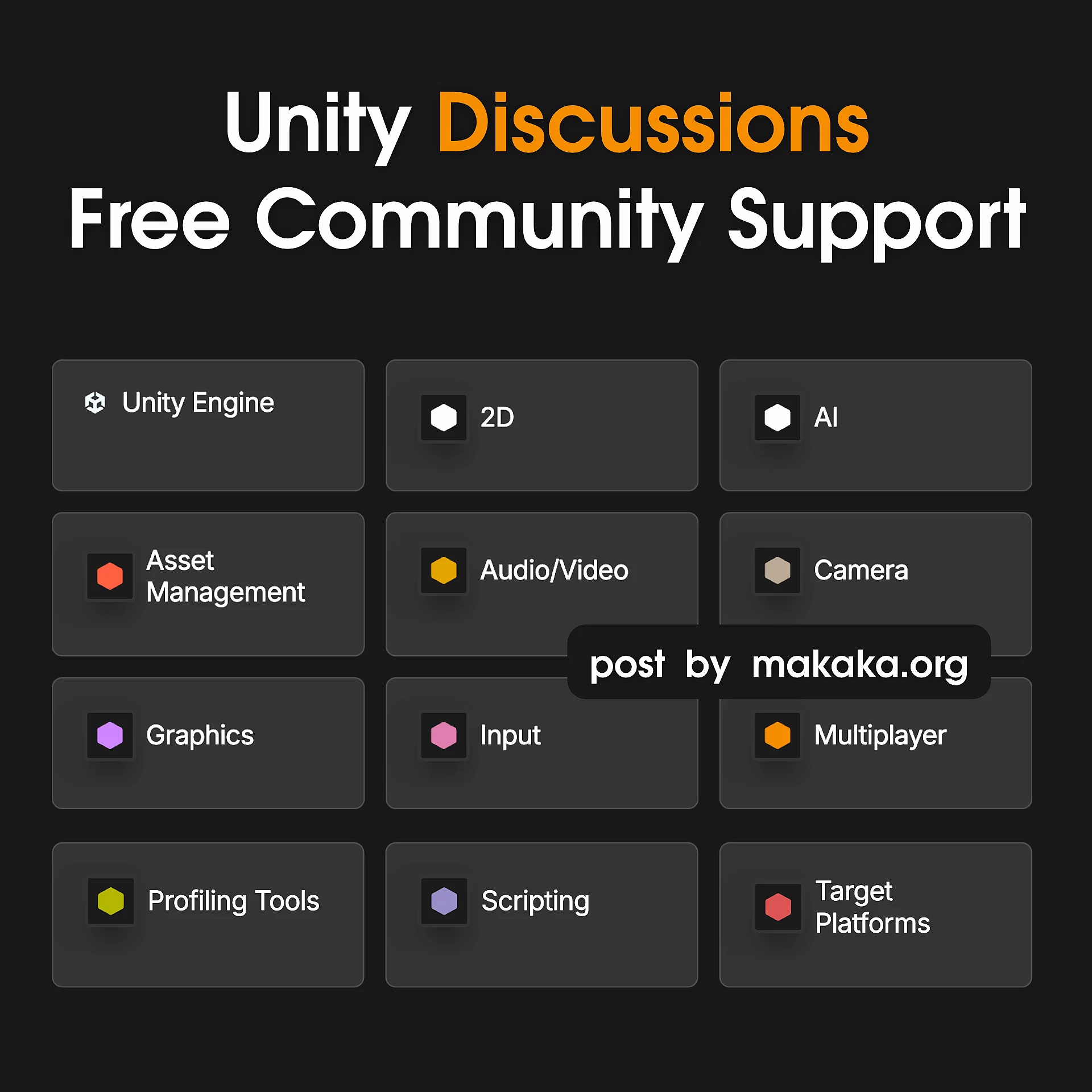
- There is an Alternative Way to Solve Your Problems with the help of the creator community — Unity Discussions. However, not all questions can be solved by volunteer developers. For example, I had an issue with a Service Subscription that could only be resolved by Unity Staff.
- You can File a Bug Report via Unity Bug Reporter. Unity Staff will review it and let you know whether the issue is a confirmed bug or expected behavior. If the issue is confirmed, it will be published on the New Unity Issue Tracker, which automatically creates a corresponding topic on the Discussions platform.
Paid Unity Support
Unity Support can be Faster, and Human matters, but you need to pay for it. In previous years, the Unity Help Center offered Live Chat support for All Developers when agents were available, but that seems to have changed. Now, you can get Human Support only with paid Unity licenses:
- Unity Pro:
- Expedited customer support.
- Unity Enterprise and Industry:
- Dedicated support.
- Extended Long-Term Support (LTS) support for 3 years with regular bug fixes and platform updates, allowing you to maintain your game’s stability without upgrading to newer Unity versions.
This approach makes sense. Many Unity Developers have faced cases where they waited months for a response to their tickets.
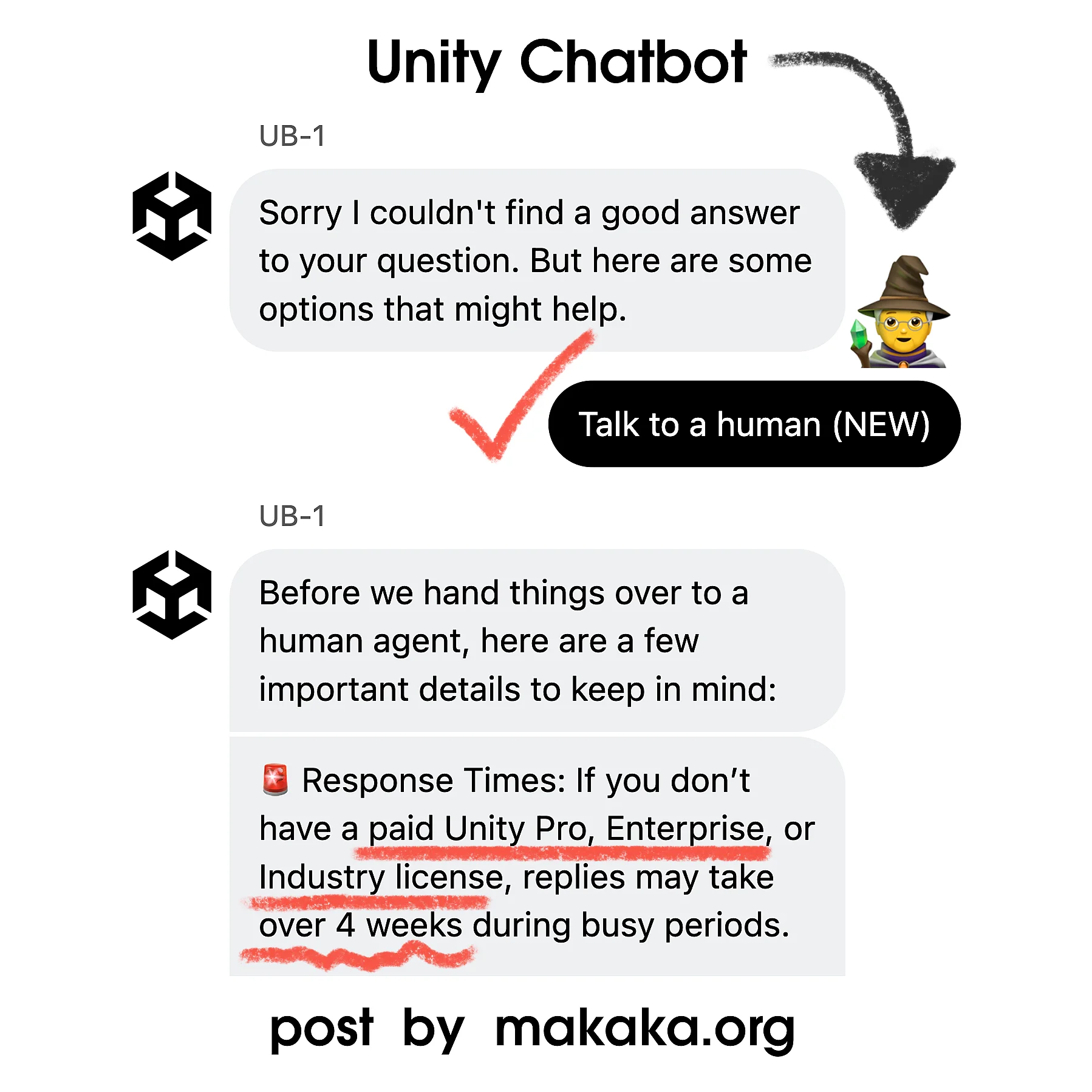
However, Technical Support is available only through Success Plans and/or Enterprise/Industry license.
Technical Support and Success Plans
Unity Staff Can Help You Code — From Indie Developers to Big Studios: this is called Technical Support, and it offers different options and pricing based on 2 separate subscriptions:
Together, they determine the Level of Unity Support you receive.

Why? Well, it’s much more than just AI responses: Real Humans provide Strategic Guidance, Tips, and Best Practices. You can work directly with Unity Experts to help ensure your project is optimized and moving toward your goals.
Key Points
The Plans are designed in a pretty complex way and are explained across multiple official pages. If you really need Technical Support, Unity Team can help you choose the best option for your specific case.
Here are the key takeaways I learned:
- Unity Free/Personal is not eligible for it.
- Unity Pro requires an Additional Purchase of a Success Plan that can provide different support tiers:
- Standard Technical Support (Starter Success Plan) costs $450 per seat per year. It’s an entry-level support package focused on common technical questions, standard workflows, and known issue resolution.
- Premium Technical Support (Essential, Integrated, or Industry Success Plans) provides faster response times and covers complex engine issues, project-specific problems, and critical production support.
.
It also offers more personalized guidance than the Standard tier, based on your specific use cases. In addition, Unity Engineers can review your project to identify issues, investigate bugs, and recommend workarounds where possible.
- Unity Enterprise and Industry Licenses include Premium Technical Support, with options to expand and customize the available services. In my experience, not every developer using these licenses knows this benefit exists.