Unity AI and Developer Tools — CLI, MCP, Skills, Pipeline Package, Claude/Codex/Grok Plugins, and Spark

Unity AI, CLI, and MCP were invented to allow anyone to turn their ideas into reality without having to dive deep into the Engine. These are Great Tools for Accelerating Your Work and Reducing the Barriers. However, you should be careful:
- Use it as a helper.
- Double-check what it creates.
AI for Unity — Terms and Concepts
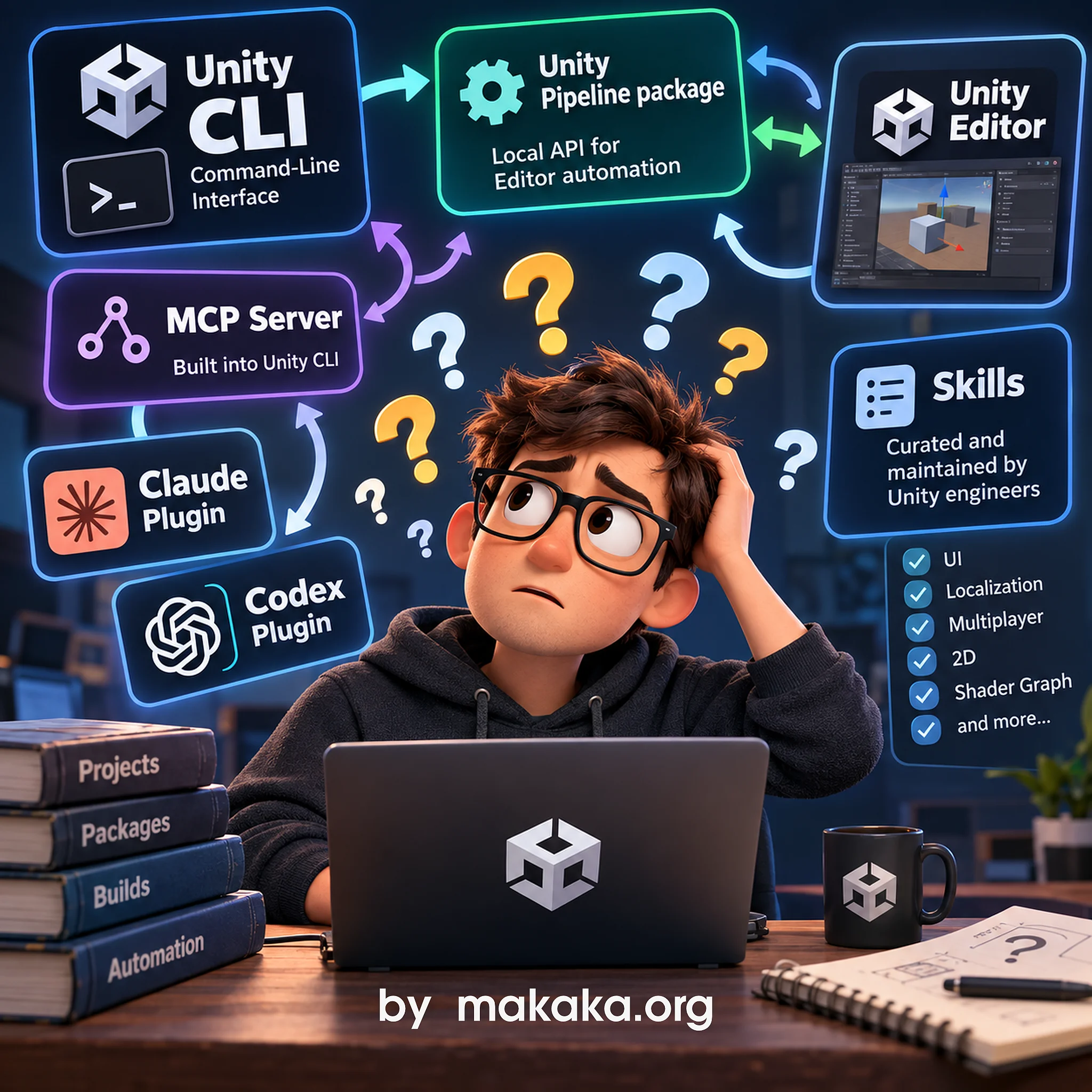
There are so many AI-related terms and tools in Unity lately, so here’s my short and simple explanation:
- You need to use the Unity CLI (Command-Line Interface) instead of the MCP Server (Model Context Protocol) now because it was deprecated.
- The Unity CLI lets AI Agents work with Unity from the terminal directly with files. It can manage Editors (e.g., installs), projects, packages, builds, and more without requiring the Editor to be running.
- For controlling a running Unity Editor and working directly with the Unity Project, the CLI uses the Unity Pipeline package, which provides a local API for Editor automation. Unity CLI includes its own MCP server built on the Unity Pipeline package.
- In addition, to complete the picture around the Unity Pipeline package and CLI, Unity recently released official plugins for Claude Code, Codex and Grok Build coding agents that work via this bunch of tools.
- After installing the plugin, your Agent uses Skills — curated and maintained by Unity engineers — to load the relevant context and accomplish the tasks you give it in your Unity project.
- Alternatively, you can use the official Unity AI Suite instead of these plugins.
- Unity Spark (coming soon) is a New Generation of AI Tools for a Web Browser.
With all these tools, Unity is starting to act less like an Editor and more like a programmable creative environment.
AI and Code Architecture
No AI will replace the Architectural Thinking of Passionate Unity Developers.
What people have experienced in 2026 is that quick AI-generated code snippets, without building a Proper Application Architecture, may be cheaper in terms of token usage for further AI Analysis, but they can turn a project into a collection of poorly connected pieces of code that are difficult for humans to maintain. But it’s good to see some Asset Publishers can still create HQ Products.
However, such a foundational approach is Important for Developers. But for the Game idea, Opportunities and Players it doesn’t matter. Just imagine that some guy wants to create a game right now without experience, and he can do it.
Unity Spark
Unity Spark (coming soon) is a Web-based AI Editor for Game Creation and Publication via the newest Google Playground (a platform for prompt-based game creation). It’s kind of like Unity Studio, but not limited to Industry/Enterprise developers. In other words — supercharged Unity AI with Friends and the Asset Store.
It’s a Game Changer because it creates unlimited opportunities for Indie Devs and Asset Creators as well, especially since the asset recommendation system is integrated!
Unity AI Suite — Official AI Tools by Unity
Ultimately, Gamers will decide whether they want to play AI-created games or not. You can either embrace it and use it as a helper, or slow yourself down while others move faster.
The Unity AI Suite consists of the AI Assistant, AI Gateway, and MCP Server. Unity says these tools are primarily intended for prototyping. If you use generated art, you should replace those placeholders with final assets later. Code should also be reviewed and tested by Humans, especially when dealing with IAPs or Ads.
The world is a better place with more creators in it. Start Creating with Unity AI for free for 14 days and get 1,000 credits.
Use Case of Unity AI
I recently tried to ask Unity AI to implement a simple game with the only button from scratch. The result was wrong even with using Plan mode at first.
But when I asked Agent for some help instead (in addition to my interventions), Unity AI was pretty good. For example, creating new 3D Animation for the model from the Unity Asset Store.
So, “Augmenting Workflows” is probably the best way to describe how Unity AI should be used.
Subscription Auto-Renewal and Cancellation
Auto-renewing is not a problem, you can assign the reminder or event in the calendar to disable that if you need — this is the common rule for subscriptions, or cancel it in one day:
- Register for Unity AI.
- Cancel the subscription.
- You have 14 days for free.
Does canceling feel like a maze? — Yes, it does.
Is it a scam because it’s promoted as Free? — No, it isn’t.
You can cancel it on cloud.unity.com.
You enter your credit card’s data when registering. Furthermore, you have to read all the conditions and FAQ on the page before entering your data — ultimately, this responsibility lies on the user’s side.
Could it have been more human? Possibly, with more email notifications.
Unity’s Plugin for Third-Party Agents
Unity’s Official Plugin for Claude Code, Codex, and Grok Build adds a set of Unity skills to your AI agent. This isn’t a Unity Asset Store plugin or package and you can’t install it through the Package Manager.
The Team maintains All 3 Plugins from a single repository, so updates flow to all 3 agents — skills are identical. This allows Unity to ship AI Plugins at Scale, and support for other agents is coming, as stated. This will let you use your favorite agent while getting the same Unity guidance for the same questions. So, Cross-Platform Compatibility is here, because Skills are Agent-agnostic.
Claude Code
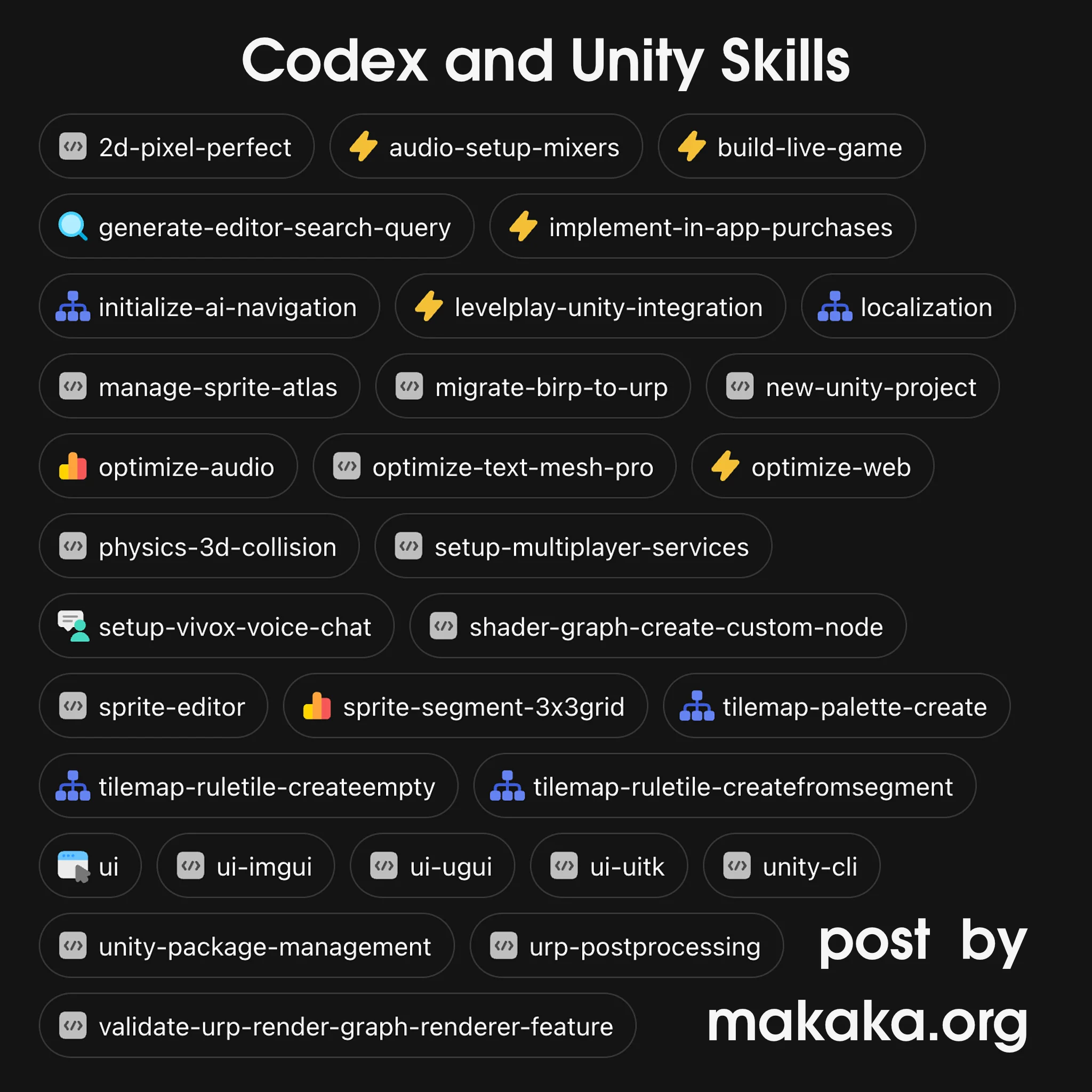
Unity’s Plugin for Claude Code provides 29 curated native engine skills at launch for Game Development and Performance Optimization. Skills load automatically when you work on a Unity project in Claude Code:
- URP Post-Processing, Render Graph, Shader Graph,
- uGUI, UI Toolkit, IMGUI, TMP,
- 2D and Tilemaps,
- Audio and Vivox Voice Chat,
- AI Navigation and 3D Collisions (Physics),
- LevelPlay, IAP, and Live Ops,
- Multiplayer,
- Localization and Optimization for Web.
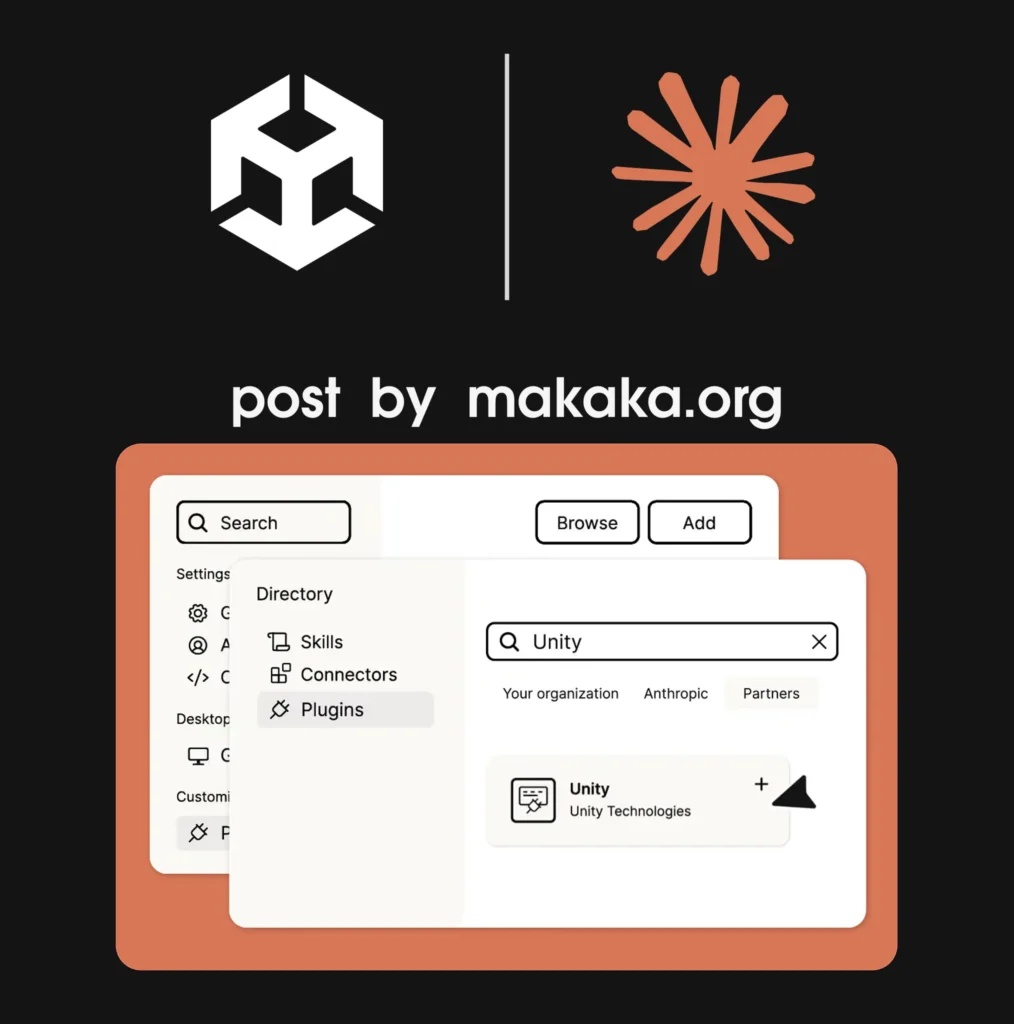
The Agent now approaches common Unity development tasks with the official Unity guidance instead of assembling an answer from third-party sources. In short, it’s cheaper, faster, more reliable, and with updated knowledge. Claude works from Memory: no Unity Plugins, configuration, or per-project setup.
Is it better than Bezi?
I just provide here 2 official statements:
- Bezi is an agentic workspace that Sits On Top of Your Engine – from Bezi website.
- Unity’s Plugin is a Direct Editor Control, connecting Claude Code to your active project with official Unity support and security – from Discussions.
Codex and OpenAI
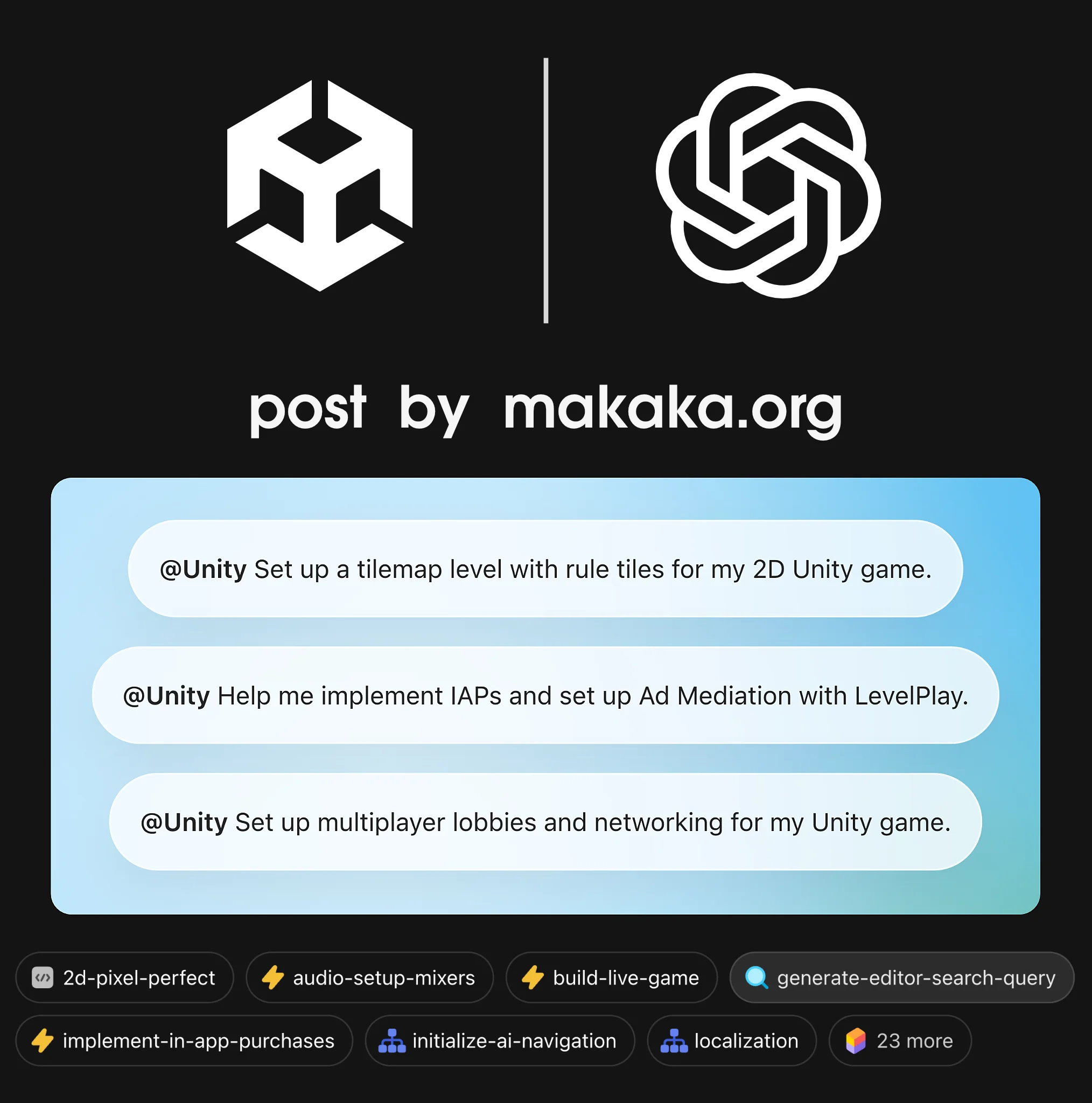
Unity’s Plugin for OpenAI Codex (GPT-6 Astra) is available with 31 skills (Unity will continue adding more Skills), first-party integration, and Direct Engine Expertise. You just need to understand what it is NOT:
- Knowledge from old Forum Posts, Tutorials, or Sample Code written Many Years Ago — Unity’s Engineers with expertise in different areas of development who actually build the engine put their vision and experience into the appropriate skills, taking the current versions of Unity into account.
- MCP server — running Editor makes no sense here, the Agent works Directly with Project files using the Unity CLI.
- Mom for a Child Robot. Only You Can Inspire the Machine. AI is Nothing without the Source. Humans are the Source of Current Civilization.
Grok Build
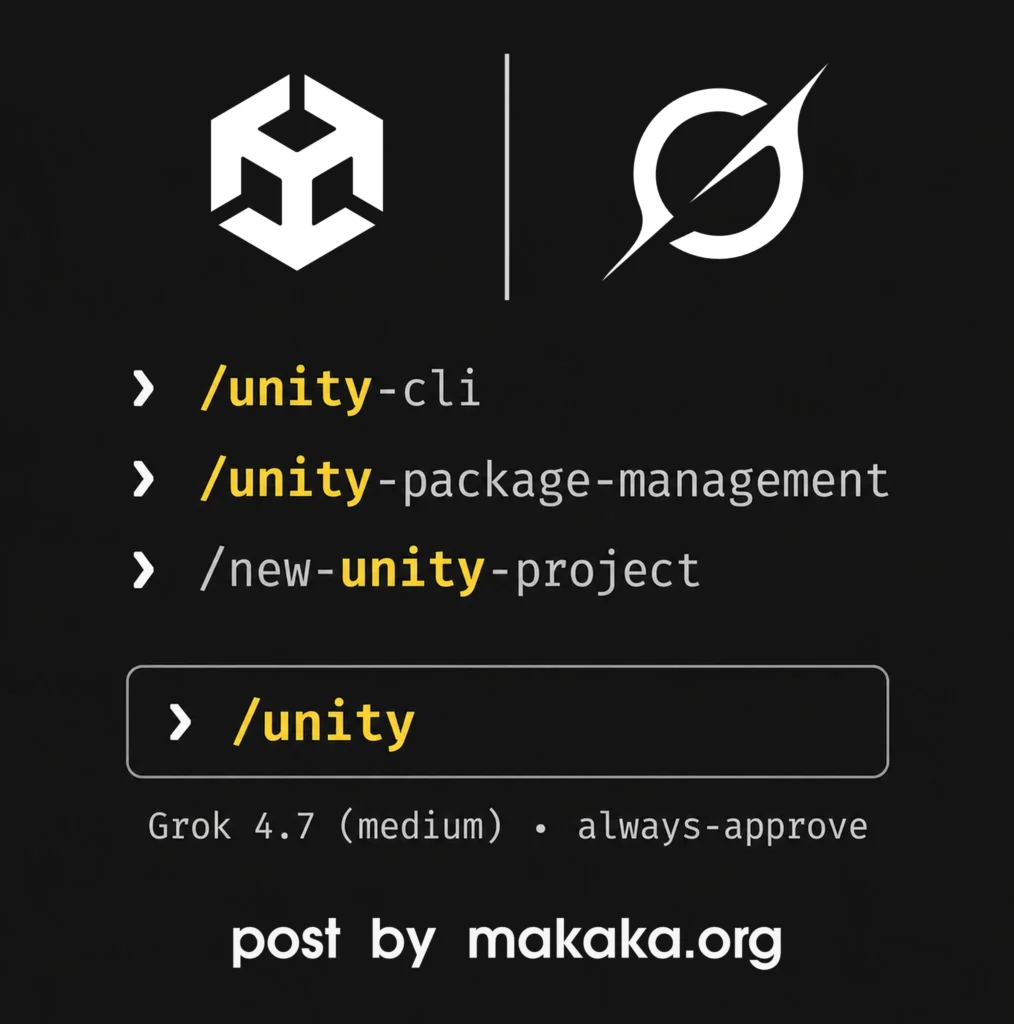
Unity’s Plugin for Grok Build (AI coding agent) is available with the same 30+ skills that Unity’s Engineers developed for Claude Code and Codex.
AI in Unity for 3D Models
Unfortunately, there is no company whose ecosystem I use completely — Apple, Google, or any other company. At some point in its development, any company will pursue its own goals that don’t necessarily correspond to my expectations regarding convenience, features, UX, prices, and so on.
It’s always a compromise, and mixing different products to fit your specific workflow. That’s why the Unity Asset Store rules — Unity provides the foundation for your games, but specific needs are often better covered by 3rd-party providers.
For example, Unity provides ProBuilder (acquired earlier), which allows you to do basic 3D modeling inside Unity. However, new features haven’t been added for a while. For AI Generating you must use a separate tool called Unity AI Assistant.
At the same time, UModeler X listed below, which is much more progressive, is completely free, while some integrated AI features are paid.
UModeler X + PicoBerry
UModeler X (Unity Asset) is a Free Plugin that provides real-time 3D modeling, UV editing, texturing, mesh optimization, and rigging directly inside the Unity Editor. It introduces a new AI generation tool (PicoBerry) for creating Images and 3D Models with just a few clicks.

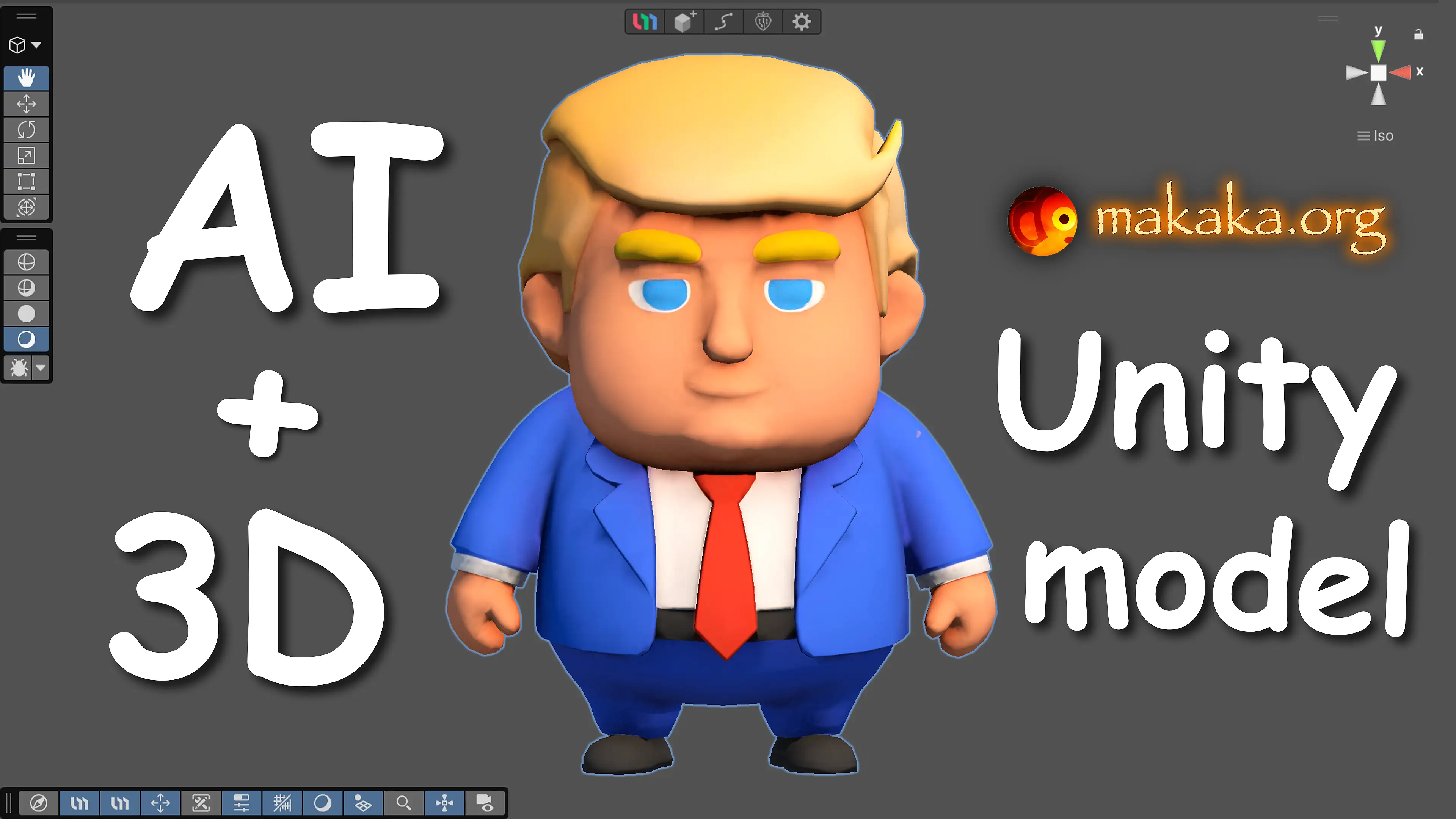
In this video example, I experimented with creating a cartoon version of the Donald Trump character and got a low-poly result in about a minute.
Each Month, you can generate several models for free and accelerate your game development. Generate production-ready 3D assets with PicoBerry AI:
- Describe Your Asset using text or image as prompts.
- AI creates your 3D model in 30–90 seconds.
- Refine with UModeler X and AI: remeshing, texturing, and rigging.
- Ship It: Game-ready assets, straight into your project.
Smart Remeshing
AI-powered topology optimization automatically cleans up mesh geometry. Get game-ready polygon counts without manual retopology work.
AI Rigging
Automatically generate bone structures and skin weights for your characters. Go from static mesh to animation-ready model in a single click.
AI Texturing
Generate and apply high-quality textures with AI. PBR-ready materials created from text descriptions — seamlessly mapped to your 3D models.
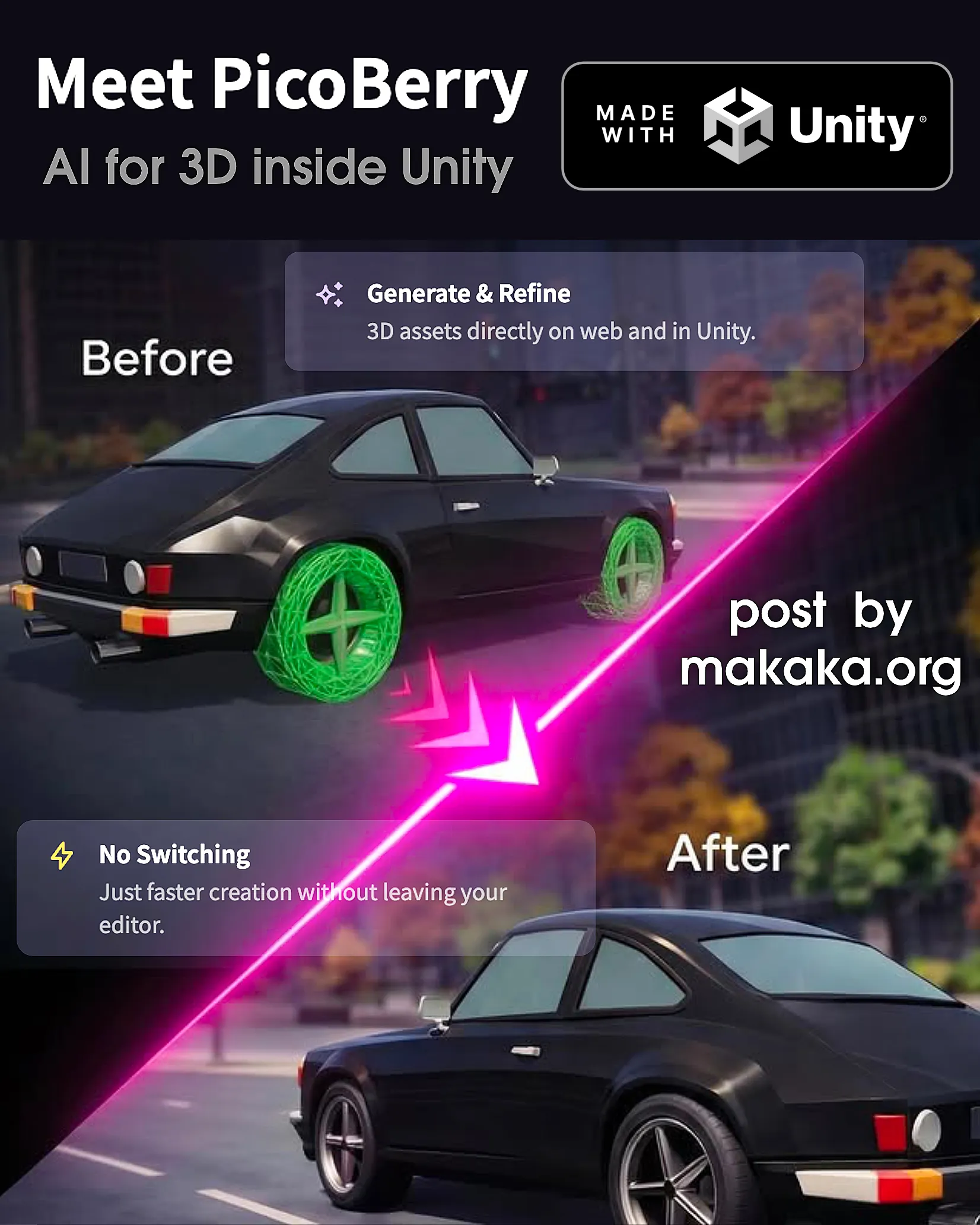
Start on Web — Continue in Unity
You can generate content in the web version of PicoBerry in your browser and then access everything in the plugin for Unity Editor. This method is useful when traveling. All Generated AI Models will be seamlessly synced to your Unity project.

AI Slop and Negative Reviews
One thing I’ve noticed is that many of the people sharing the most negative emotions about AI, Unity AI, often have empty profiles on Social Media. That’s a strong indicator. It’s better to put that energy into creating games rather than leaving comments like these. You Can’t Stop the Progress of AI.
Moreover, the LinkedIn audience provides More Valuable and Professional Feedback than the YouTube audience below (source). So, where you communicate is up to you.